Help › Rent and money
Turn on online rent payments
Tenants pay rent on the Leasing page of their portal. Two things have to be true: you have a bank connected, and that page is switched on for them.
1
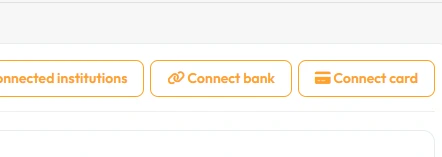
Connect your bank account first.
Nothing can pay out until a bank is linked. See the guide below.
2
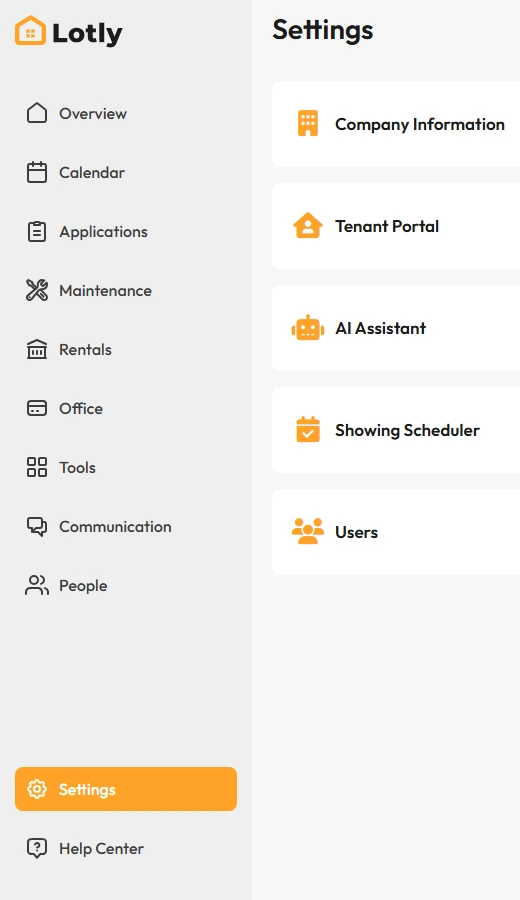
Click Settings in the left menu.
3
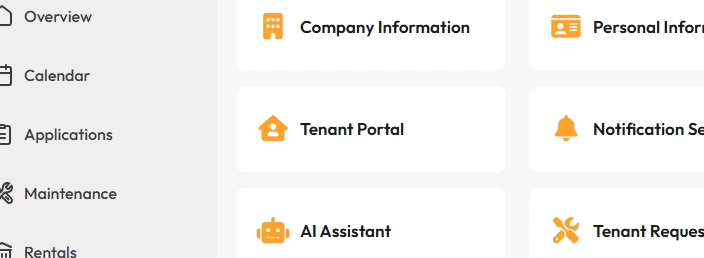
Open Tenant Portal.
4
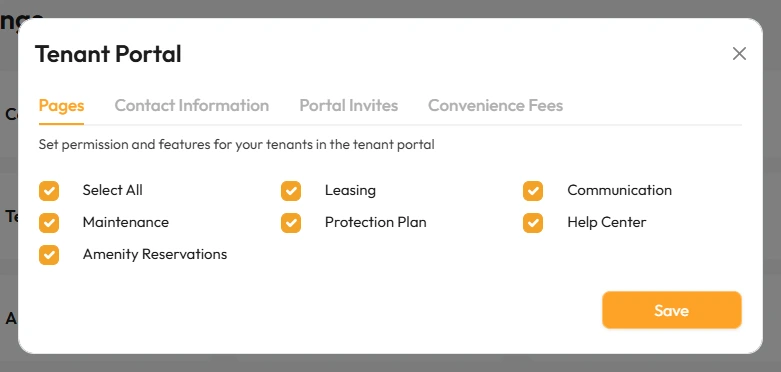
On the Pages tab, make sure Leasing is ticked, then Save.
Leasing is the page where tenants pay rent. Portal Invites on the same window is where you manage their invites.
5
Invite your tenants so they can log in and pay.
That’s it. Tenants can pay rent from their portal.