Help › Rent and money
Help a tenant turn on autopay
You cannot turn autopay on for someone. The tenant does it in the tenant portal, so your job is to make sure they can get in.
1
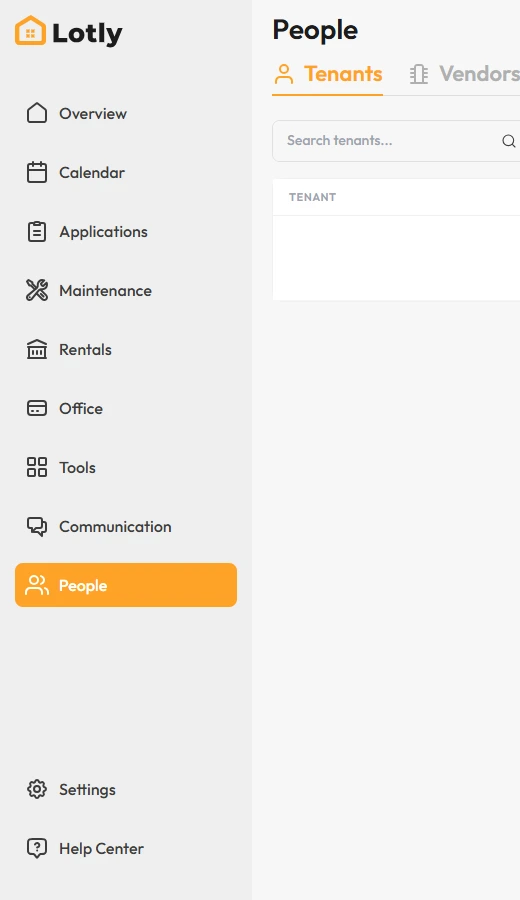
Make sure the tenant has been invited to the tenant portal.
No invite yet? See the guide below on inviting a tenant.
2

Ask them to log in and open Manage Auto Pay in their payments section.
3
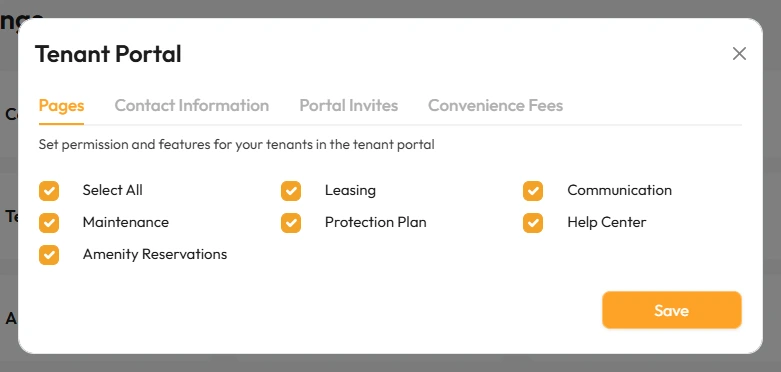
They add a card or bank, then switch Auto Pay on.
That’s it. Rent is charged automatically each month once they finish.