Help › Tenants and leases
Invite a tenant to the tenant portal
A tenant gets their portal invite when you add them to Lotly.
1
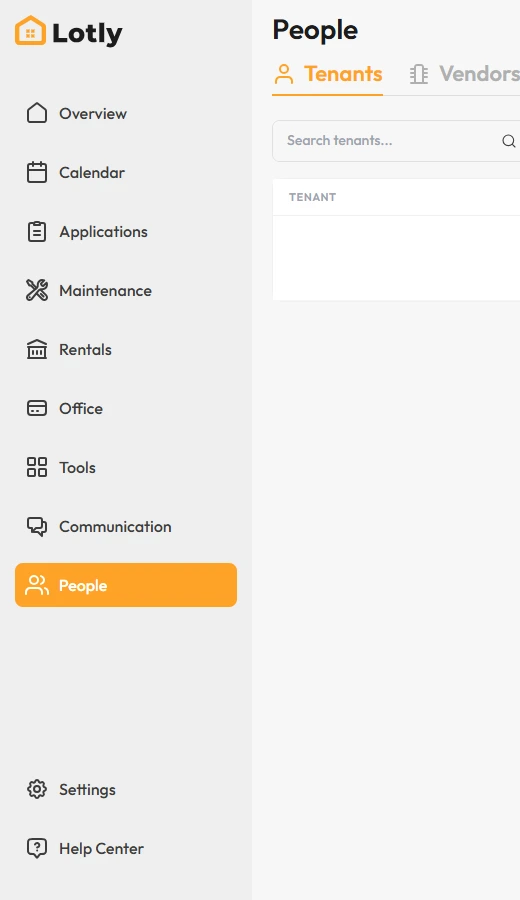
Click People in the left menu.
2
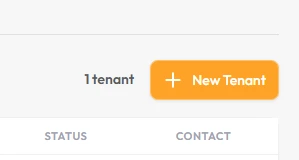
Click New Tenant.
3
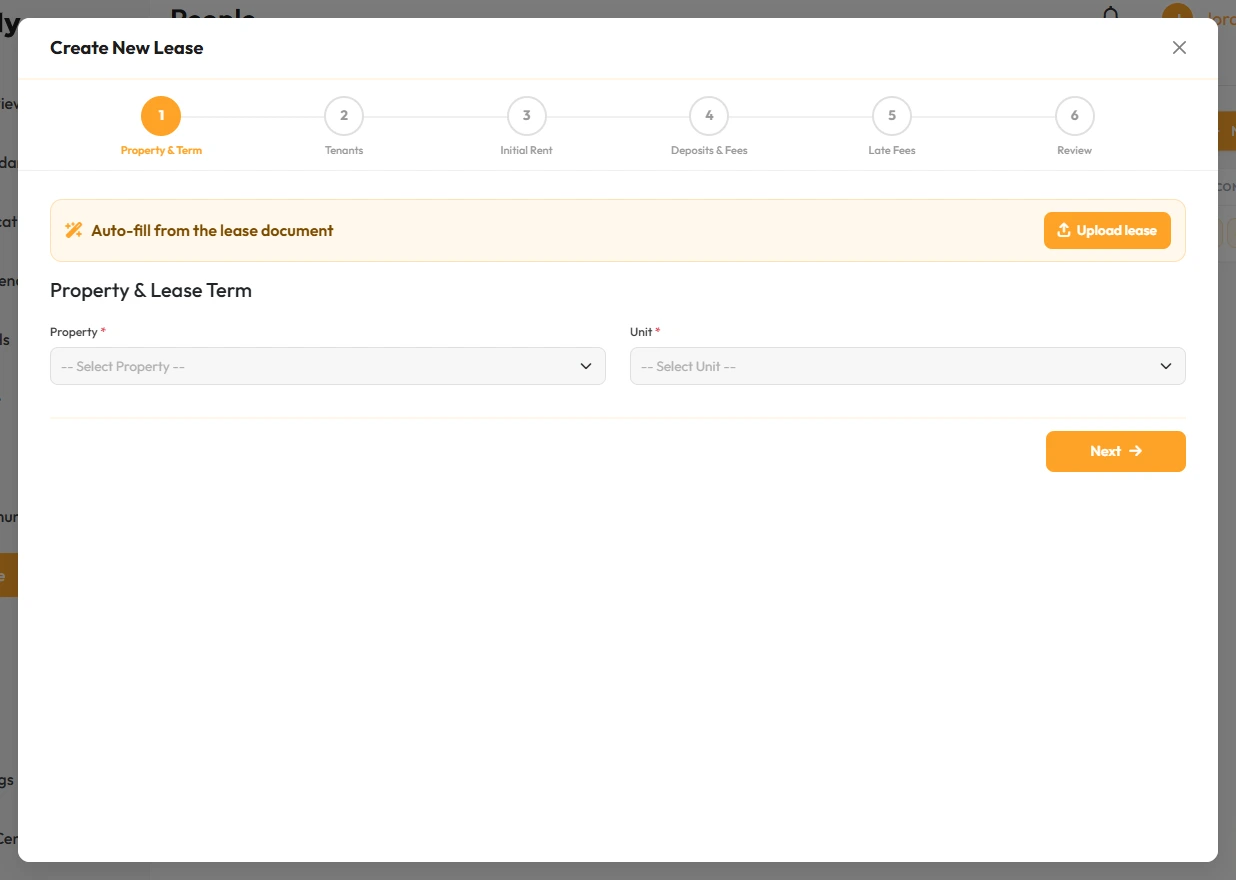
Fill in their name and email, and leave the portal invite box ticked.
Check the email address before you save. To resend later, use Settings → Tenant Portal → Portal Invites.
That’s it. They get an email with a link to set up their account.