Help › Tenants and leases
Create a lease
A lease connects a tenant to a unit, and sets the rent.
1
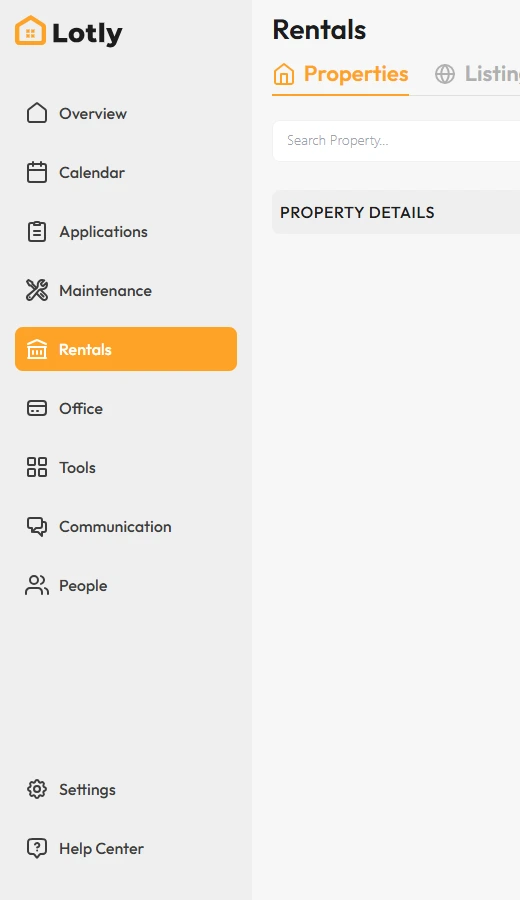
Click Rentals in the left menu.
2

Open the unit you are leasing.
3
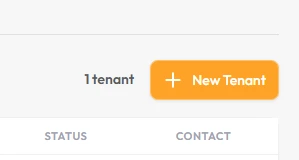
Click Create New Lease.
4
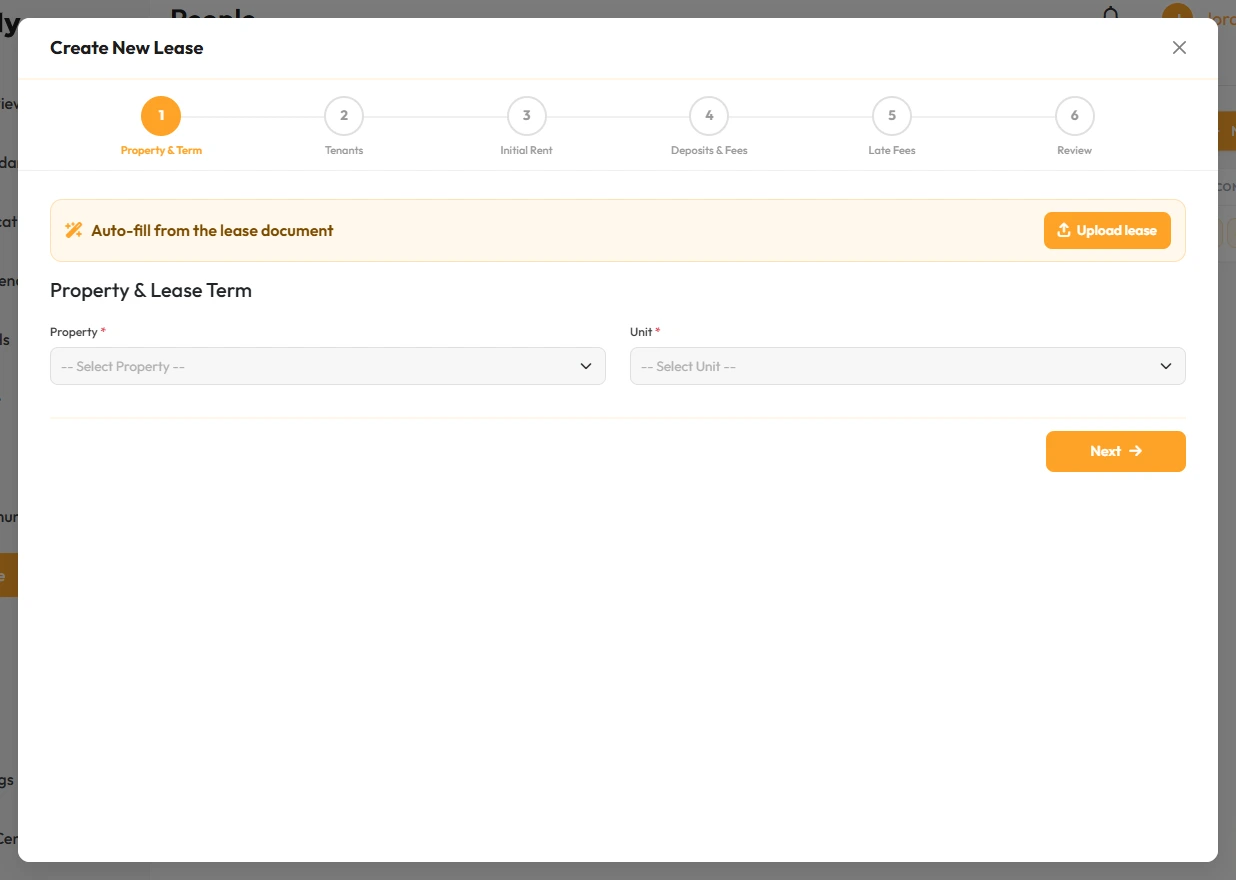
Enter the tenant, the rent, and the start and end dates.
5
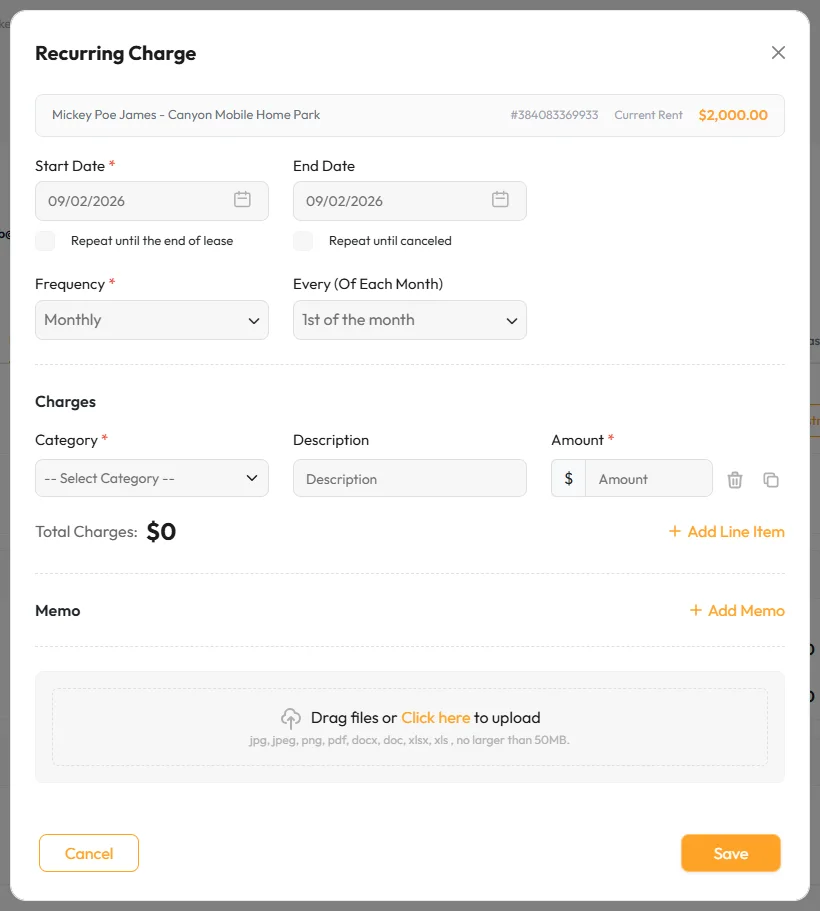
Add any extra charges, like pet rent or utilities.
You can also set the late fee policy here.
6
Save the lease and send it for signature.
That’s it. The lease is live and rent will be charged on schedule.