Help › Tenants and leases
Review a rental application
Applications land here as soon as someone finishes the form.
1
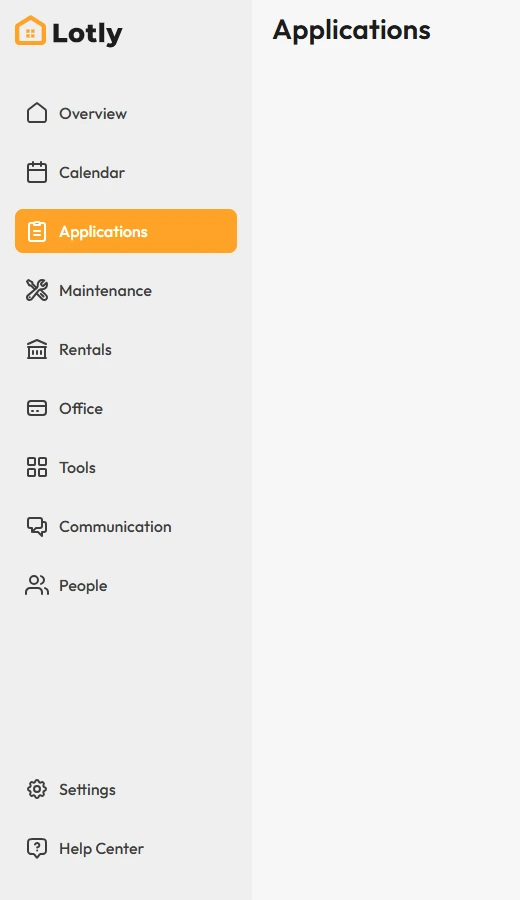
Click Applications in the left menu.
2
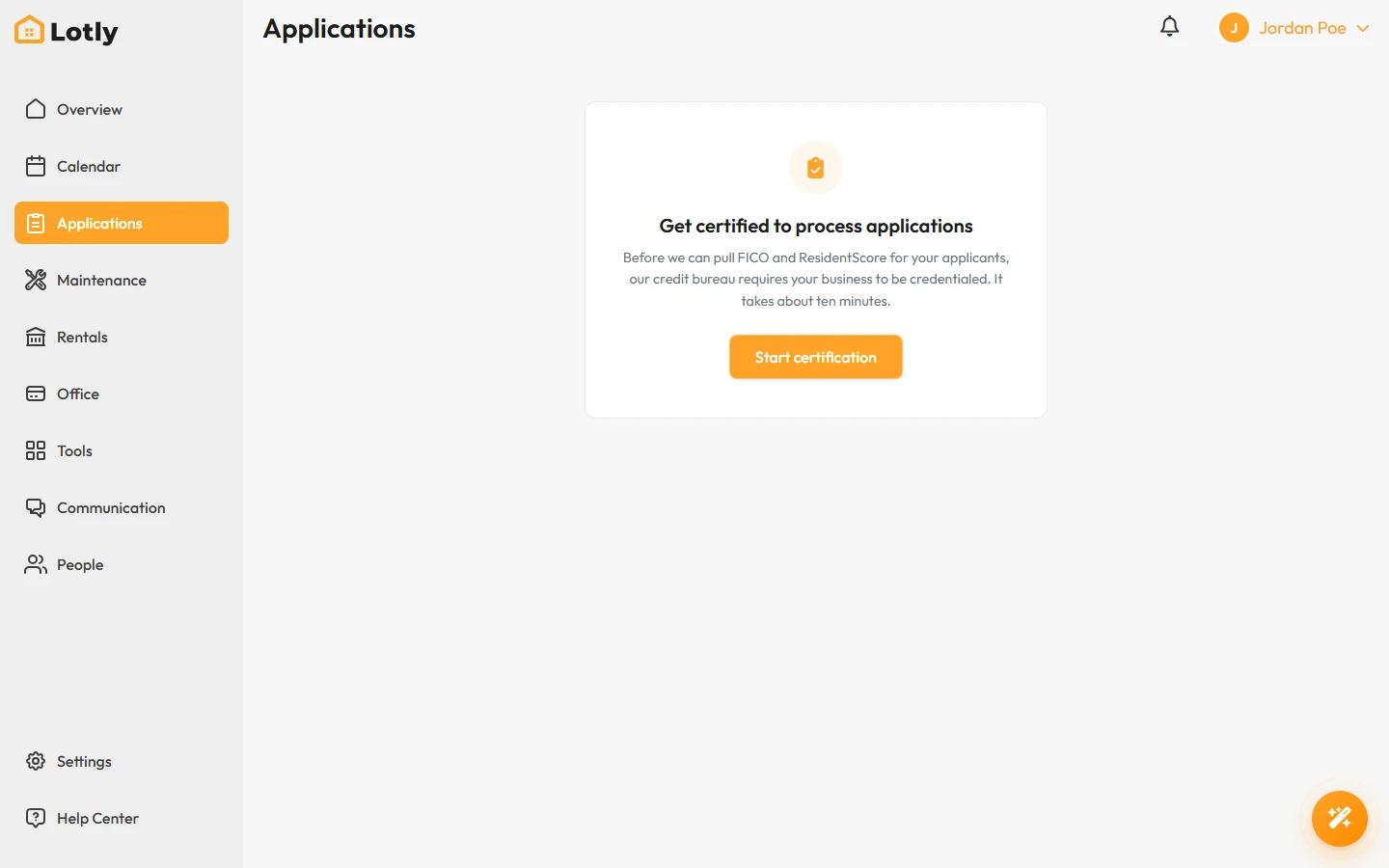
Click the application you want to read.
3
Read the details and the screening report.
4
Approve or deny it.
If you deny based on a credit report, the applicant must be told. Lotly handles that notice for you.
That’s it. The applicant is told what you decided.