Help › Rent and money
Add a late fee policy
A late fee policy lives on the lease, so it applies to that tenant automatically.
1
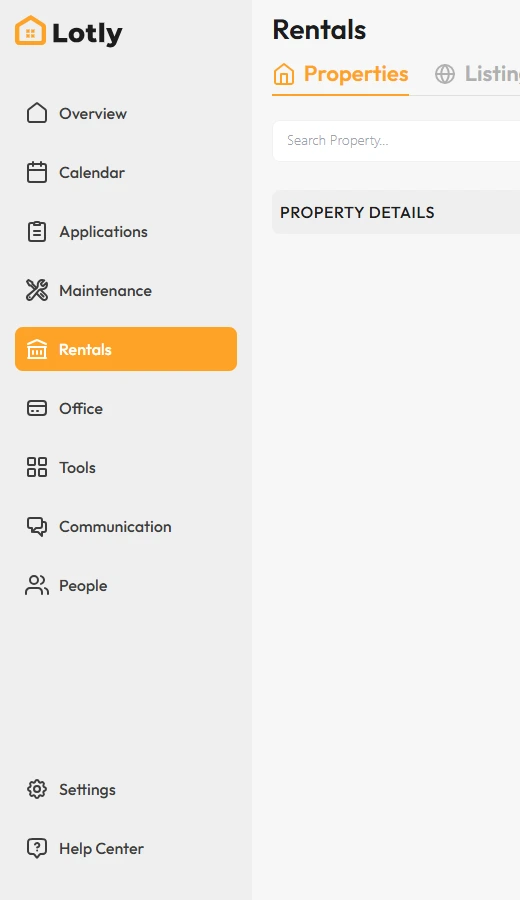
Click Rentals in the left menu.
2

Open the lease you want to change.
3
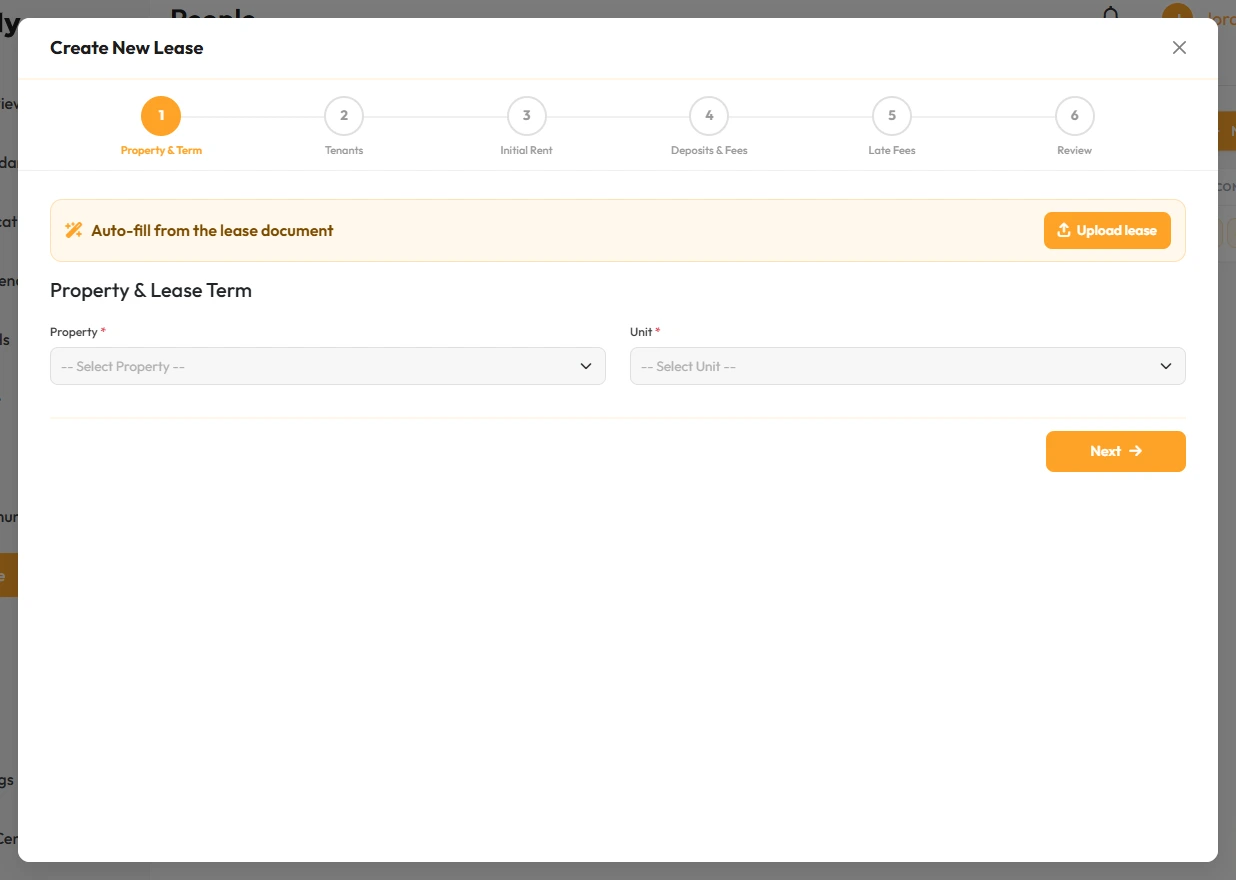
Find Late Fee Policy and click Add Late Fee.
4
Set the amount and how many days late it starts.
Check your state rules. Some states limit how much you can charge.
5
Save the lease.
That’s it. Late fees will be added automatically.