Help › Rent and money
See who hasn't paid
This shows everyone with money owed, newest first.
1
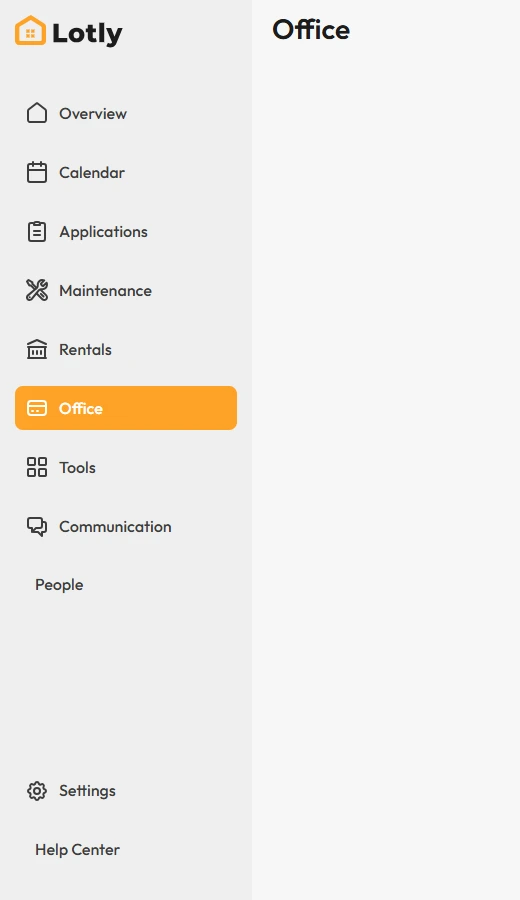
Click Office in the left menu.
2
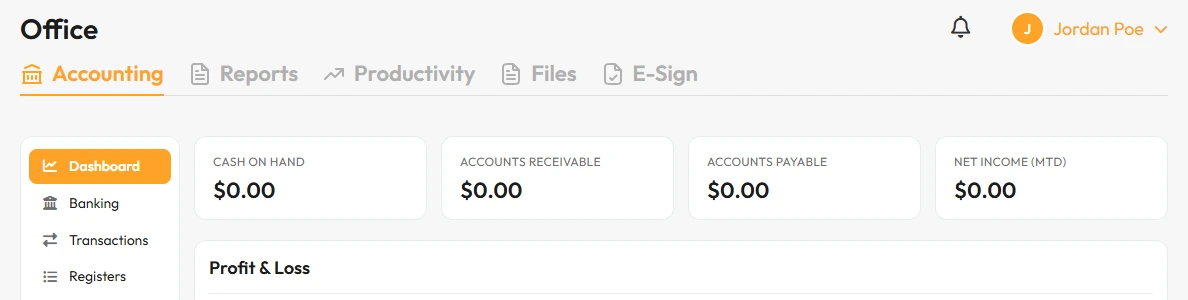
Open the Reports tab.
3
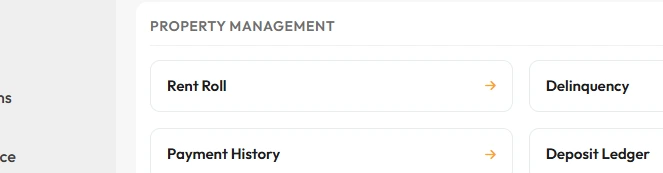
Choose the past due report.
That’s it. You can see everyone who is behind, and how much.