Help › Rent and money
Find a payment or receipt
Every payment is listed with its date, amount and status.
1
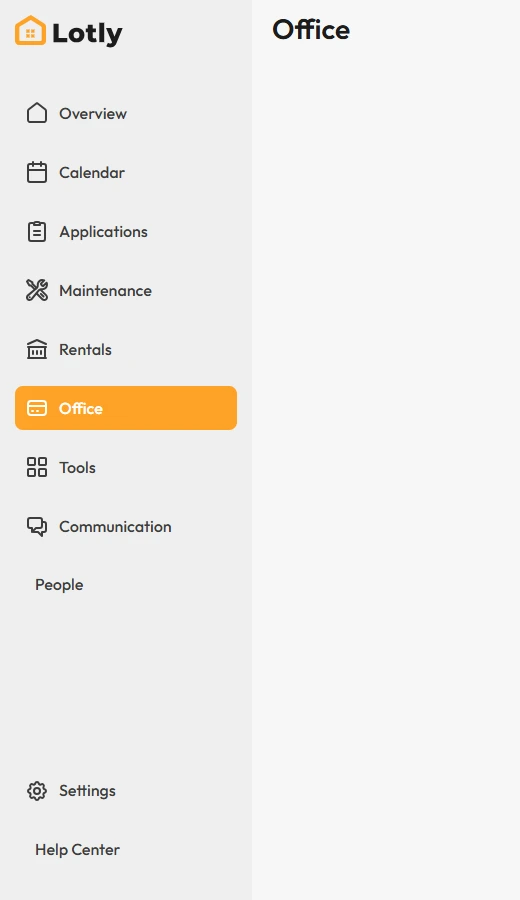
Click Office in the left menu.
2
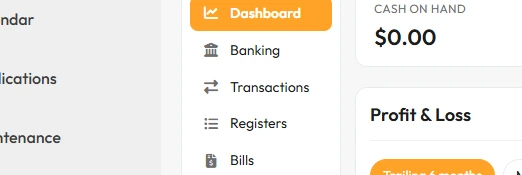
In the side menu, click Transactions.
3
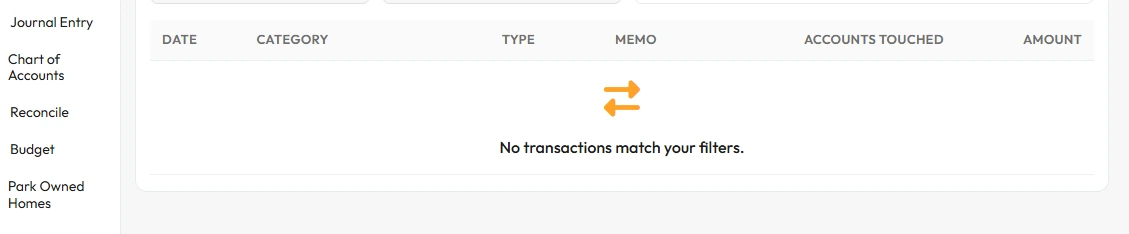
Find the payment in the list.
Statuses you will see: Pending, Completed, Failed, Reversed.
4
Click a payment to see the full details.
That’s it. You can see whether the money actually arrived.