Help › Rent and money
Connect your bank account
Rent needs somewhere to go. This links your bank so money can be paid out to you.
1
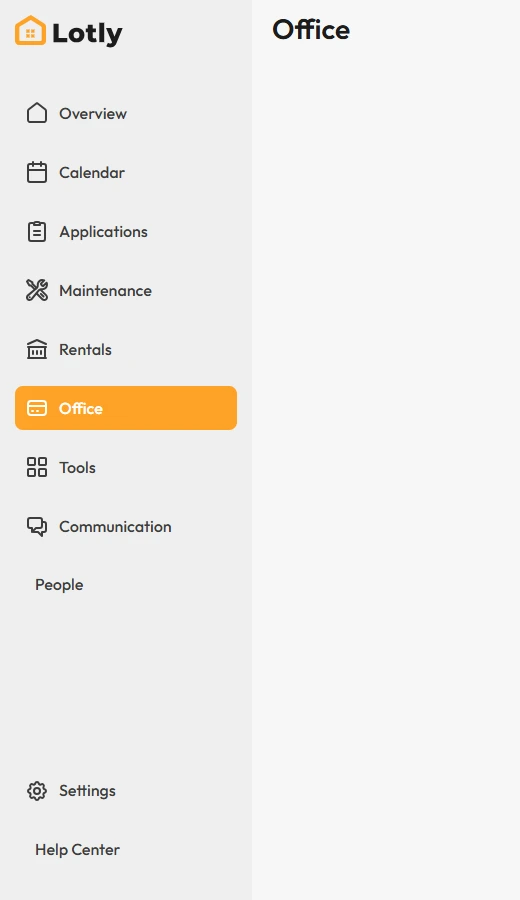
Click Office in the left menu.
2
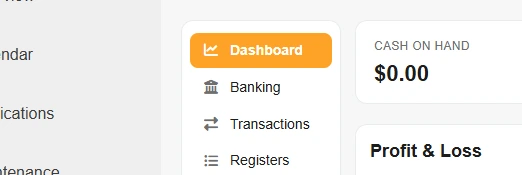
In the side menu, click Banking.
3
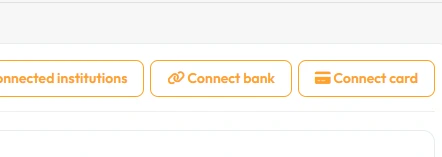
Click Connect bank.
Connect card is for a card instead of a bank account.
4
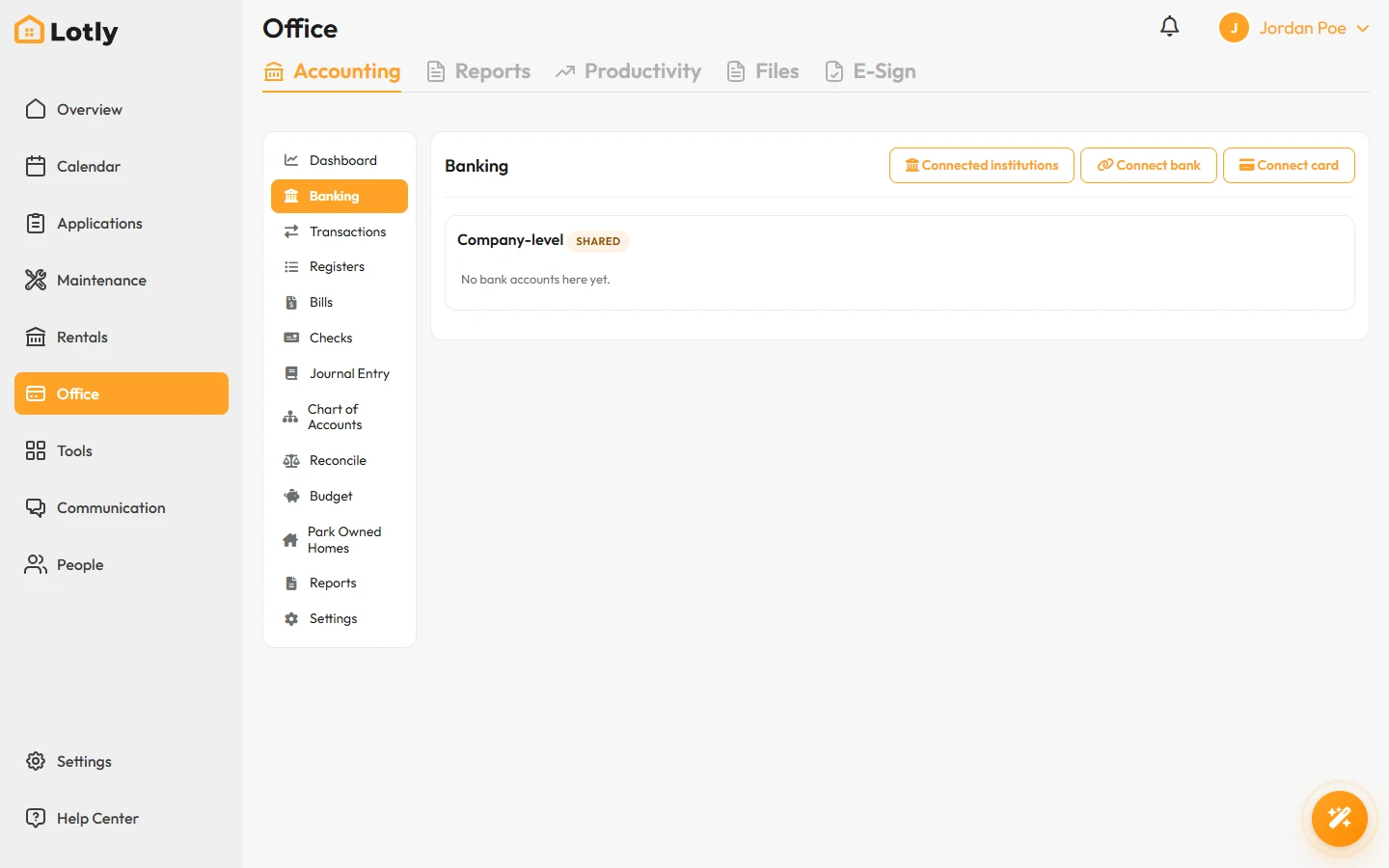
Choose your bank and sign in, or type your routing and account numbers.
5
If you have more than one bank connected, choose which one is used by default in Settings → Bank Accounts.
Settings → Bank Accounts only picks between banks you have already connected. It cannot connect a new one. Connecting always happens here, in Office → Accounting → Banking.
That’s it. Your bank is connected. Rent you collect will be paid out here.