Help › Rent and money
Choose which bank account gets used
This is only for picking between banks you have already connected. If you have not connected one yet, start with Connect a bank account.
1
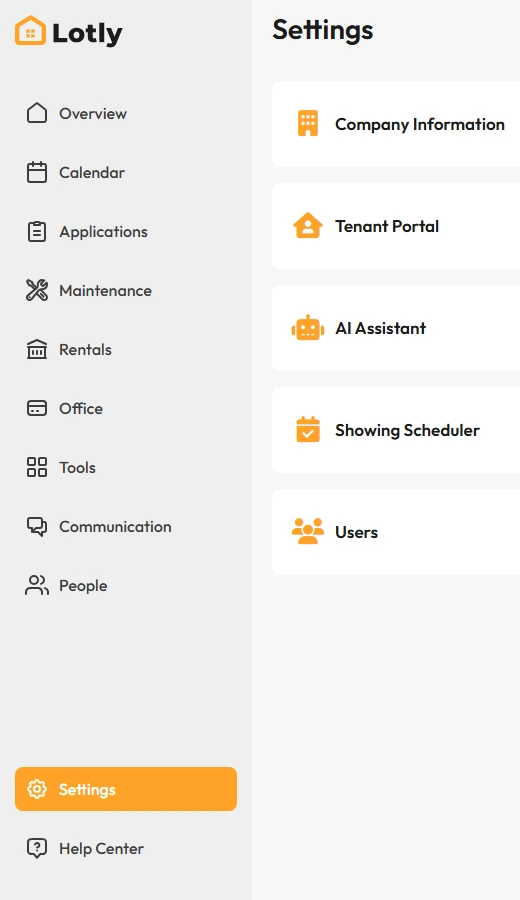
Click Settings in the left menu.
2
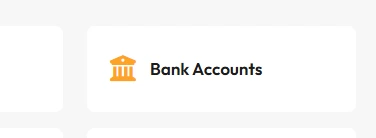
Open Bank Accounts.
This opens a small window listing the banks you have already connected.
3
Pick the account you want used by default and save.
That’s it.New payments go to the account you picked.