Help › Rent and money
Set up rent and other lease charges
Rent itself is set on the lease. Recurring charges add everything else - pet rent, utilities, lot fees - and bill automatically on the same schedule.
1
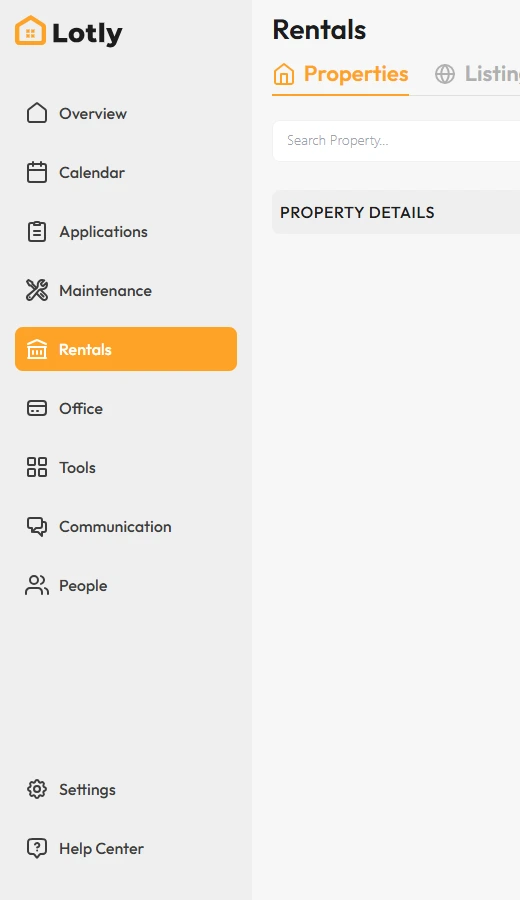
Click Rentals in the left menu.
2

Open the unit, then click the lease to open Lease Details.
3
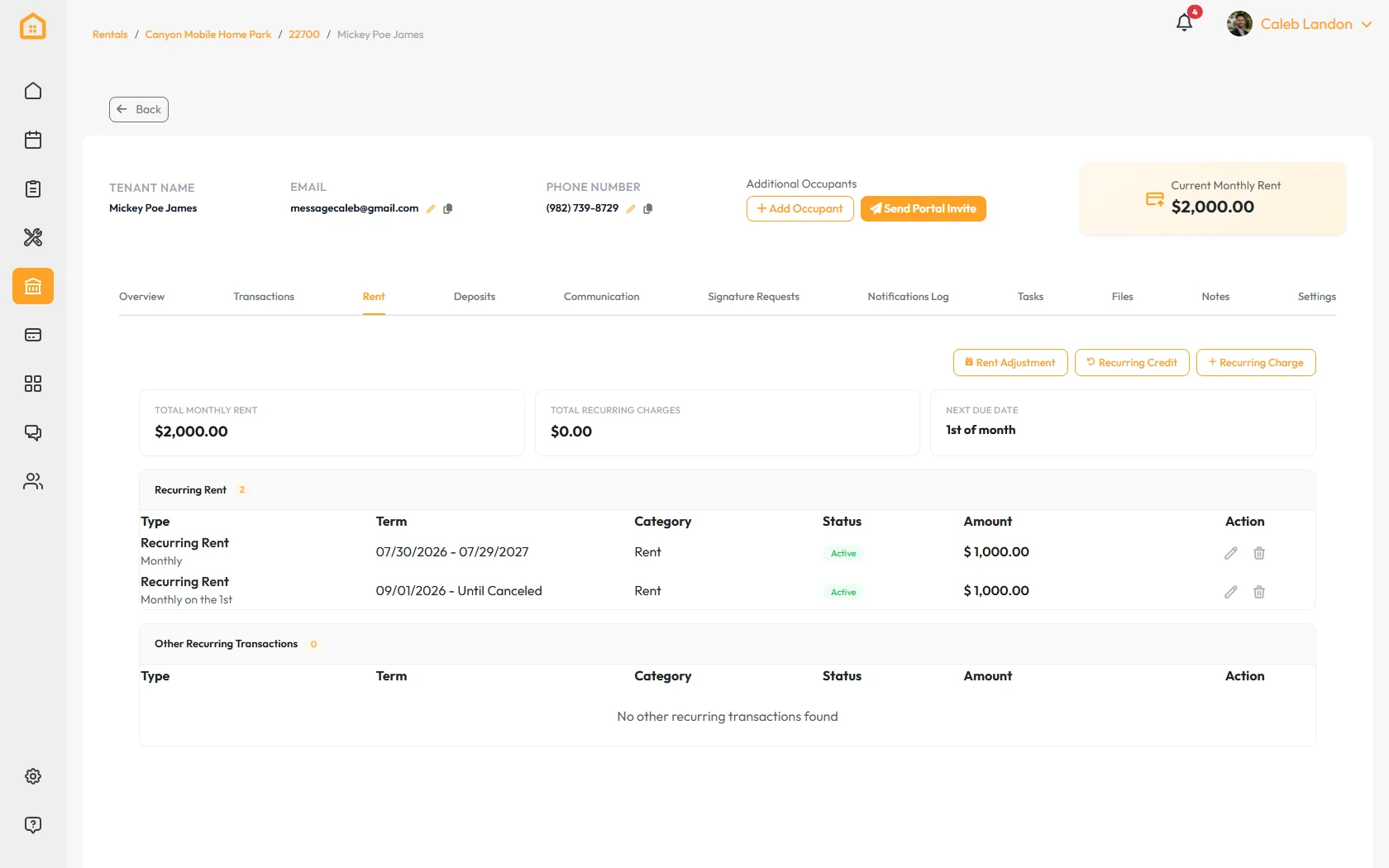
Open the Rent tab. Your base rent shows here - it was set when the lease was created.
4

Click Recurring Charge.
5
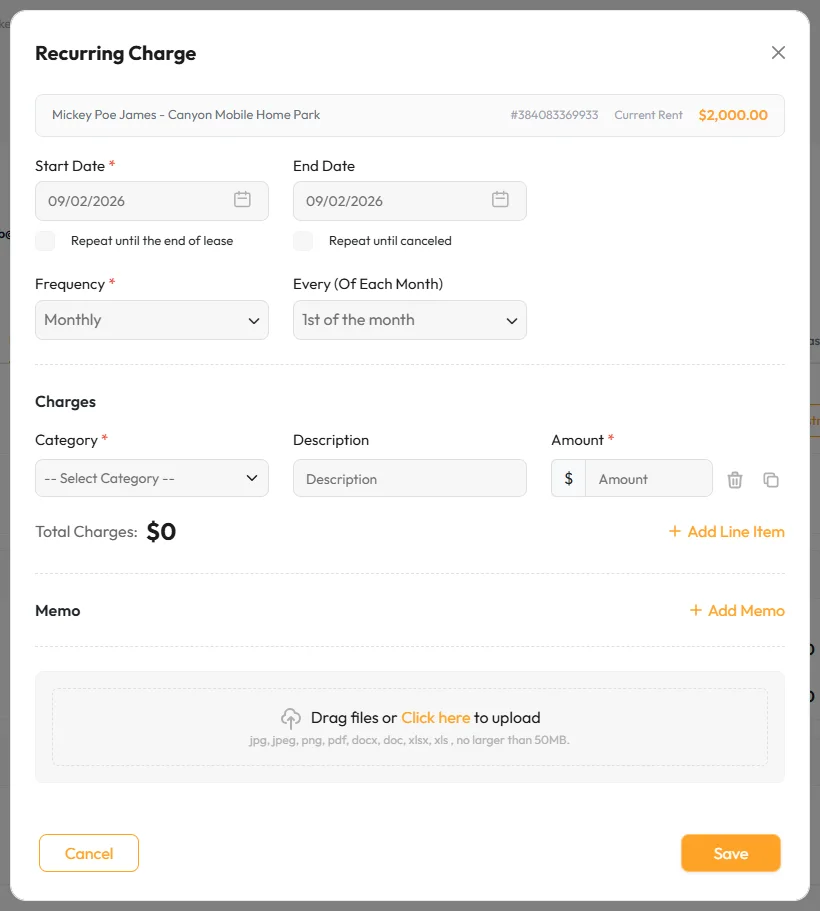
Add a line for each charge - a name and an amount. Use the add button for more lines.
6
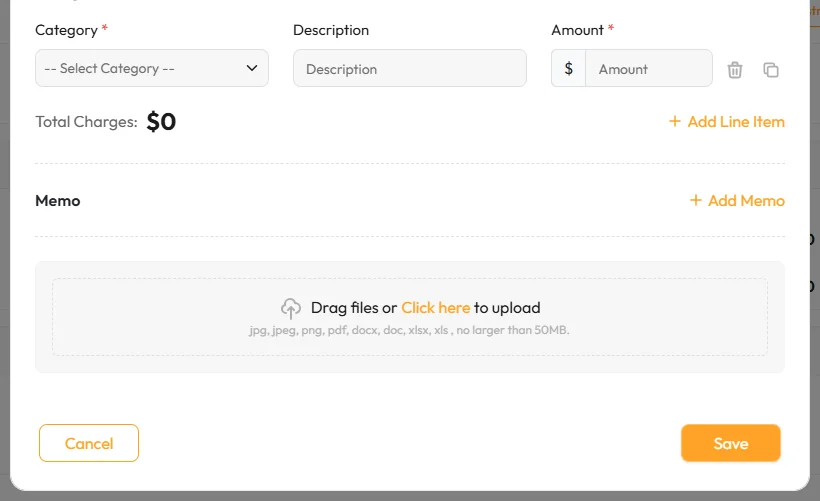
Pick how often it bills and the day of the month, then click Save.
Use Recurring Credit the same way for a standing discount, and Rent Adjustment to change the rent itself.
That’s it.The charges bill automatically with rent from the next cycle.