Help › Rent and money
Record a rent payment you received
When a tenant pays outside Lotly - cash, a check, a money order - record it on the lease so the ledger and balance stay right.
1
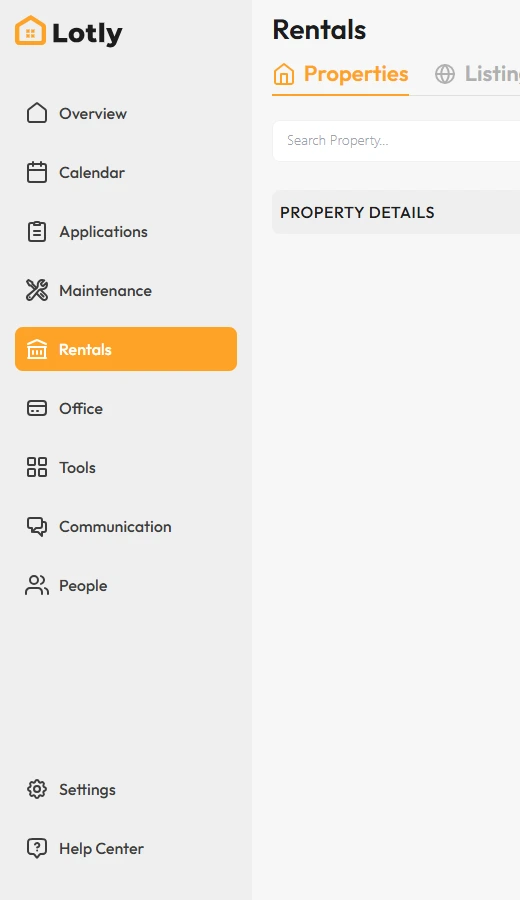
Click Rentals in the left menu.
2

Open the unit, then click the lease to open Lease Details.
3

On the Overview or Transactions tab, click Receive Payments.
4
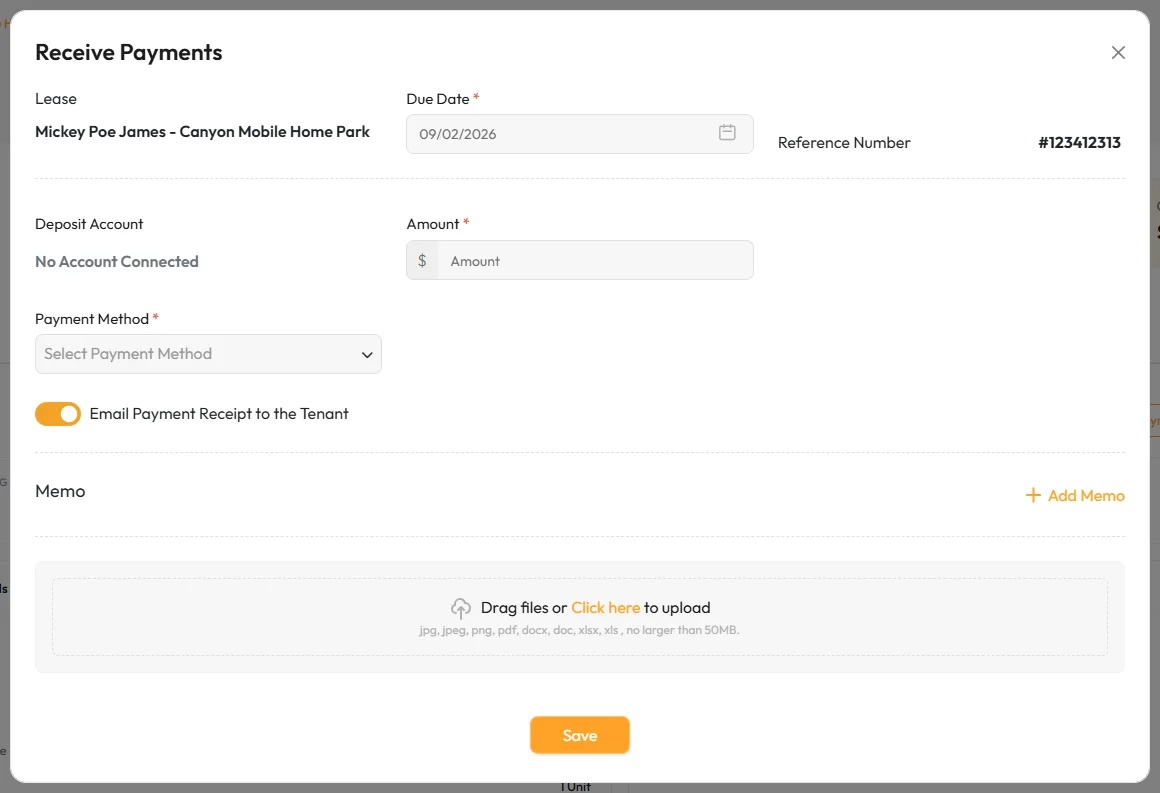
Pick the lease and the date, and enter the amount you received.
5
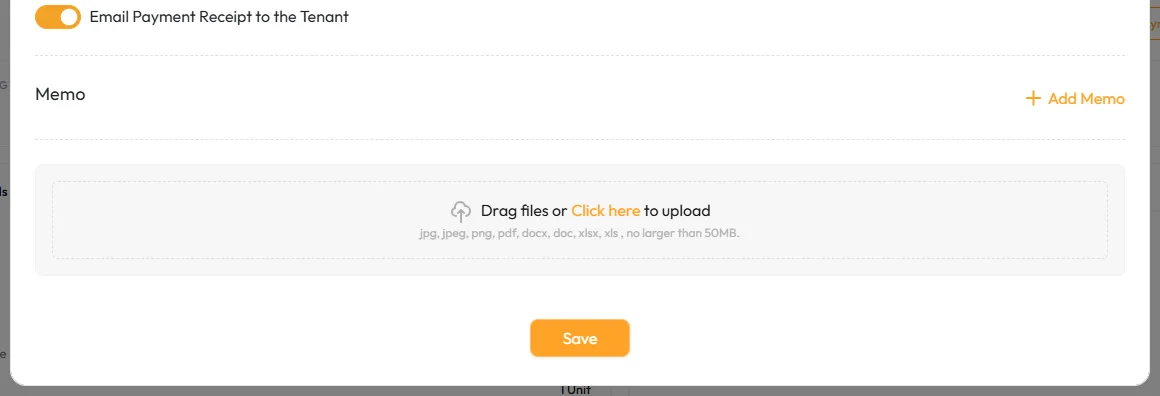
Add a memo if you want a note on the record, then save.
Payments made through the tenant portal record themselves - you only record the ones you took by hand.
That’s it.The payment shows on the lease ledger and the balance updates.