Help › Getting started
Who on your team can see what
Each person has their own permissions. Turn one off and that page disappears from their menu entirely.
1
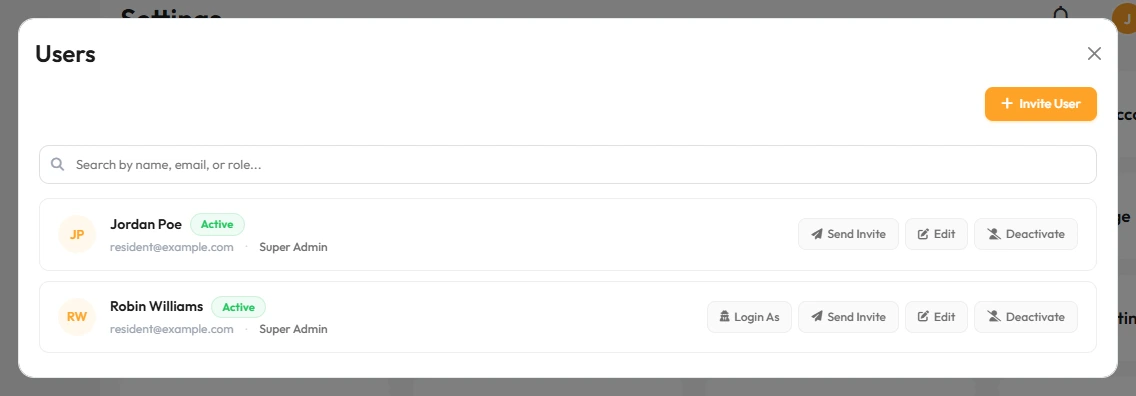
Permissions are per person, set in Settings → Users.
2
If a team member says a page is missing, it is almost always a permission, not a bug.
They will not see an error. The menu item simply is not there for them.
3
Changes take effect the next time they log in.
4
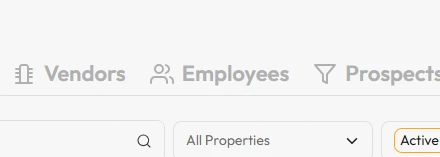
Give everyone their own login rather than sharing one, so you can see who did what.
That’s it. You control exactly what each person can reach.