Help › Getting started
Change what a team member can see
Permissions decide which menu items a person gets. Turn one off and the page disappears for them.
1
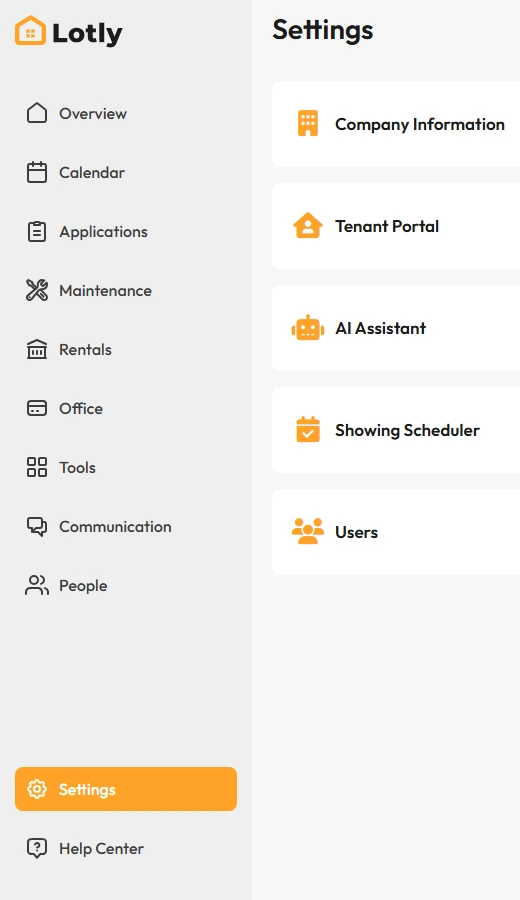
Click Settings in the left menu.
2
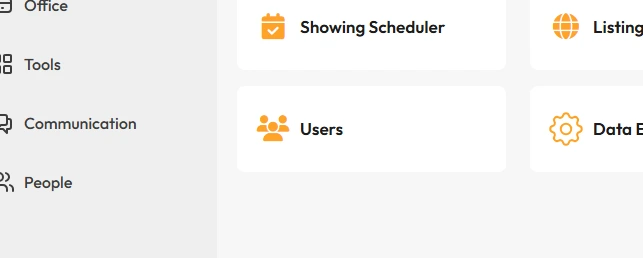
Open Users.
3
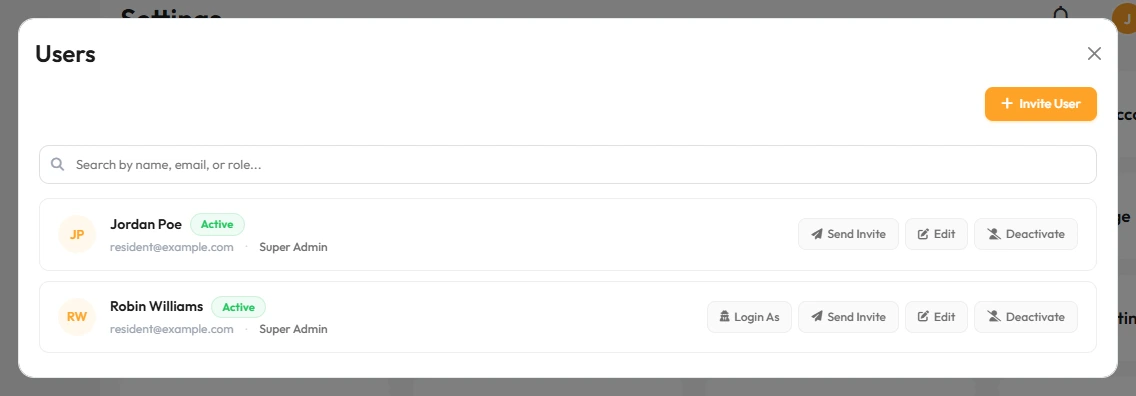
Click the person you want to change.
4
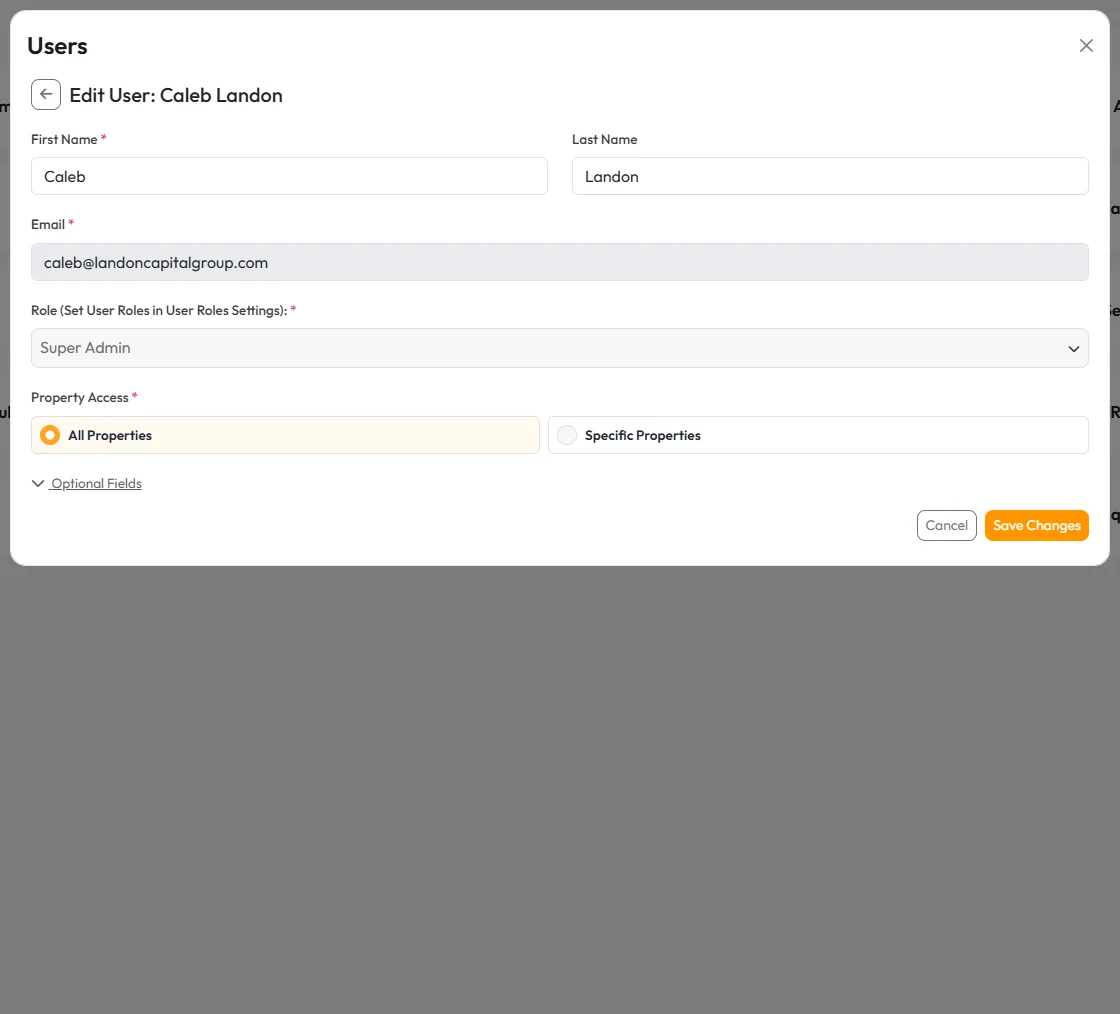
Turn each page on or off, then save.
That’s it. They will see the change the next time they log in.