Help › Getting started
Invite someone to your team
Everyone should have their own login so you can see who did what.
1
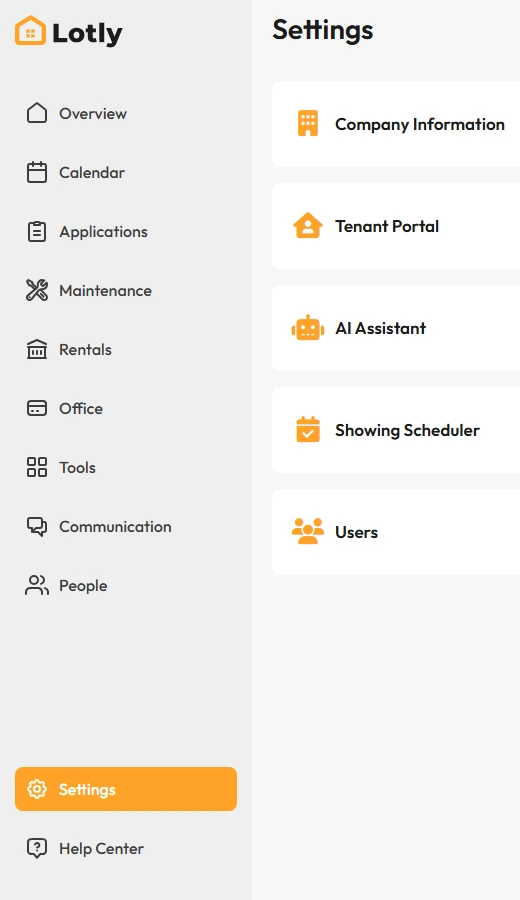
Click Settings in the left menu.
2
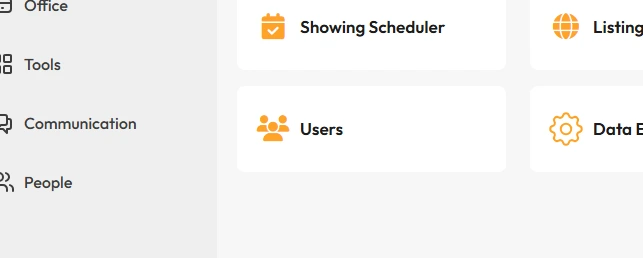
Open Users.
3
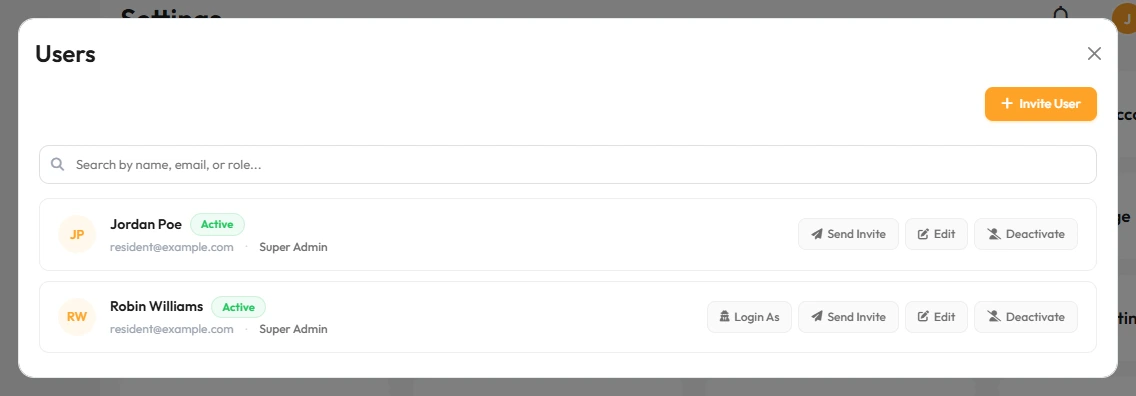
Add the person with their name and email, then send the invite.
4
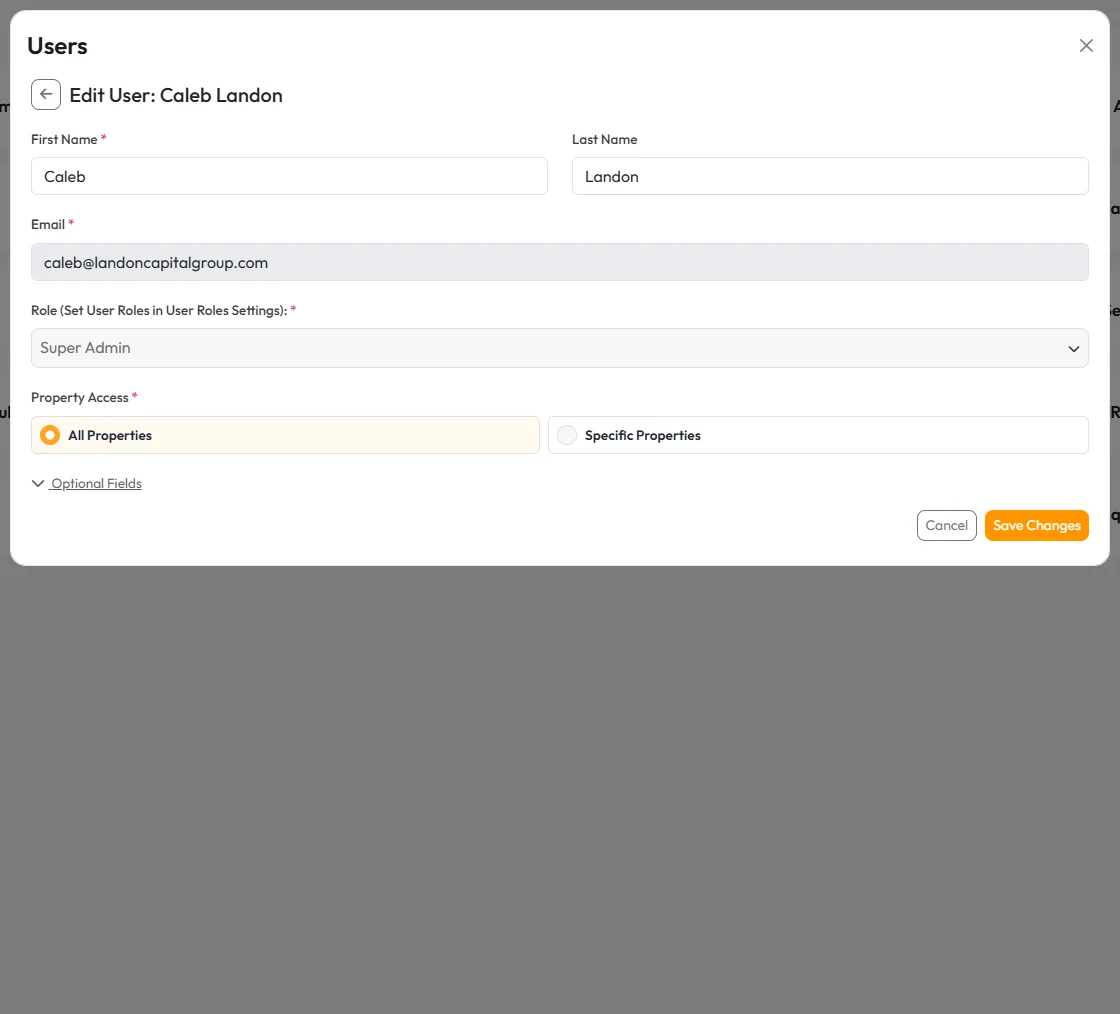
Pick what they are allowed to see.
That’s it. They get an email with a link to set their password.