Help › Getting started
Add your cell number
With a cell number saved, calls can ring your real phone. That means a working speaker, and the call keeps going when you leave the browser.
1
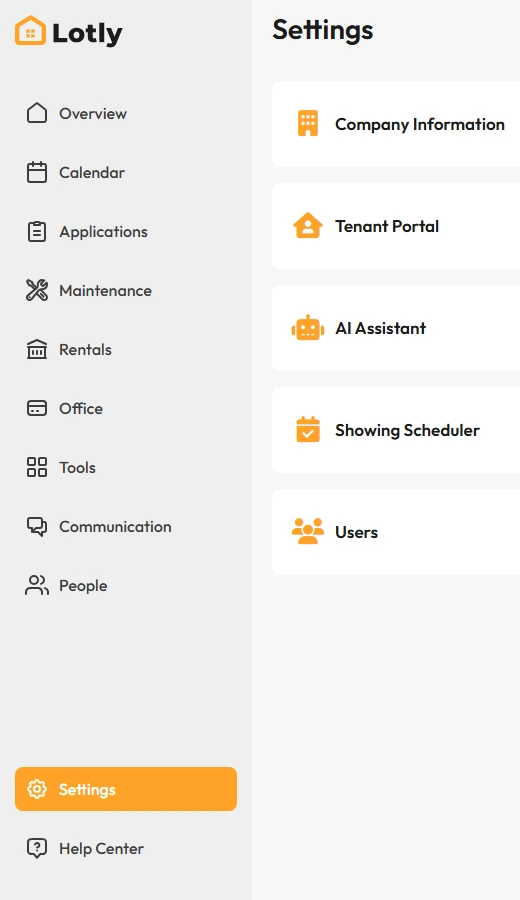
Click Settings in the left menu.
2

Open Personal Information.
3
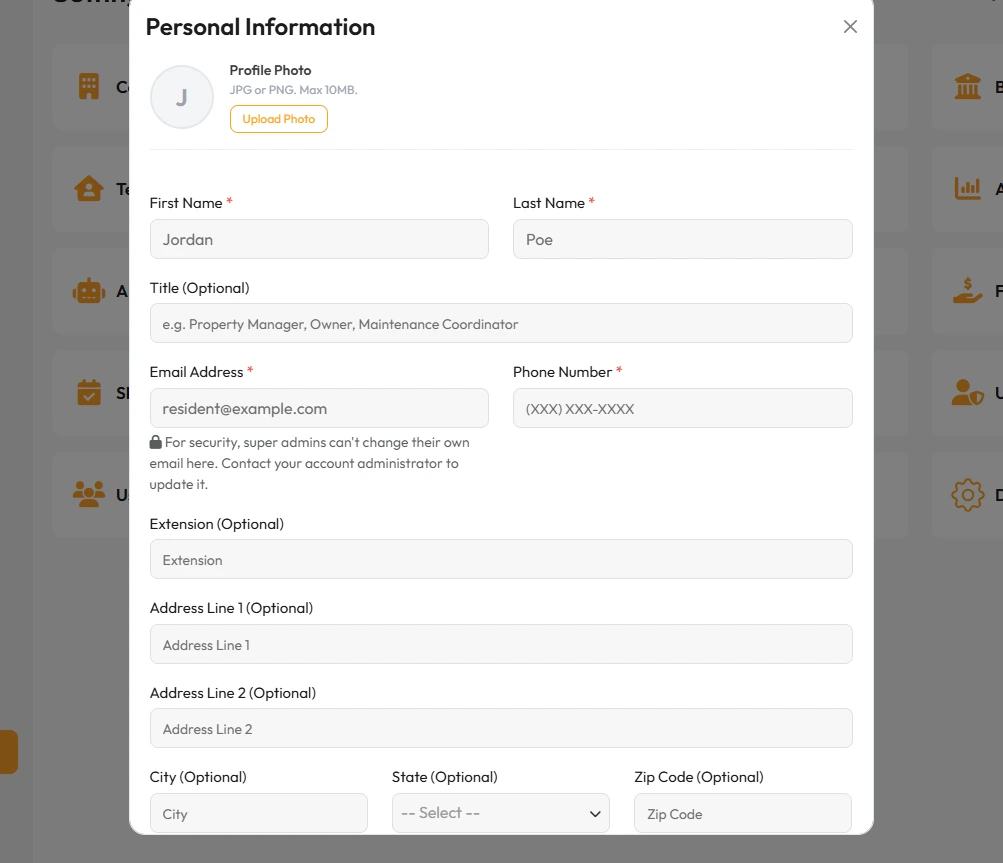
Type your cell number and save.
That’s it. Calls can now be handed to your phone.