Help › Phone, text and email
Make a phone call
Calls go out from your Lotly number, not your personal one.
1
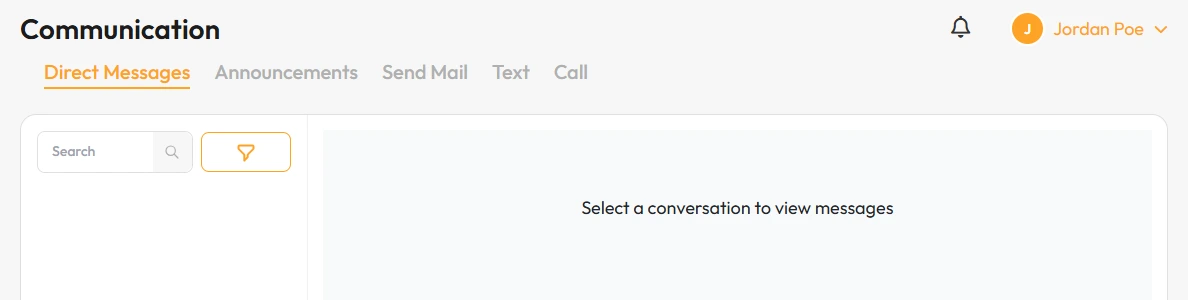
Click Communication, then the Call tab.
2
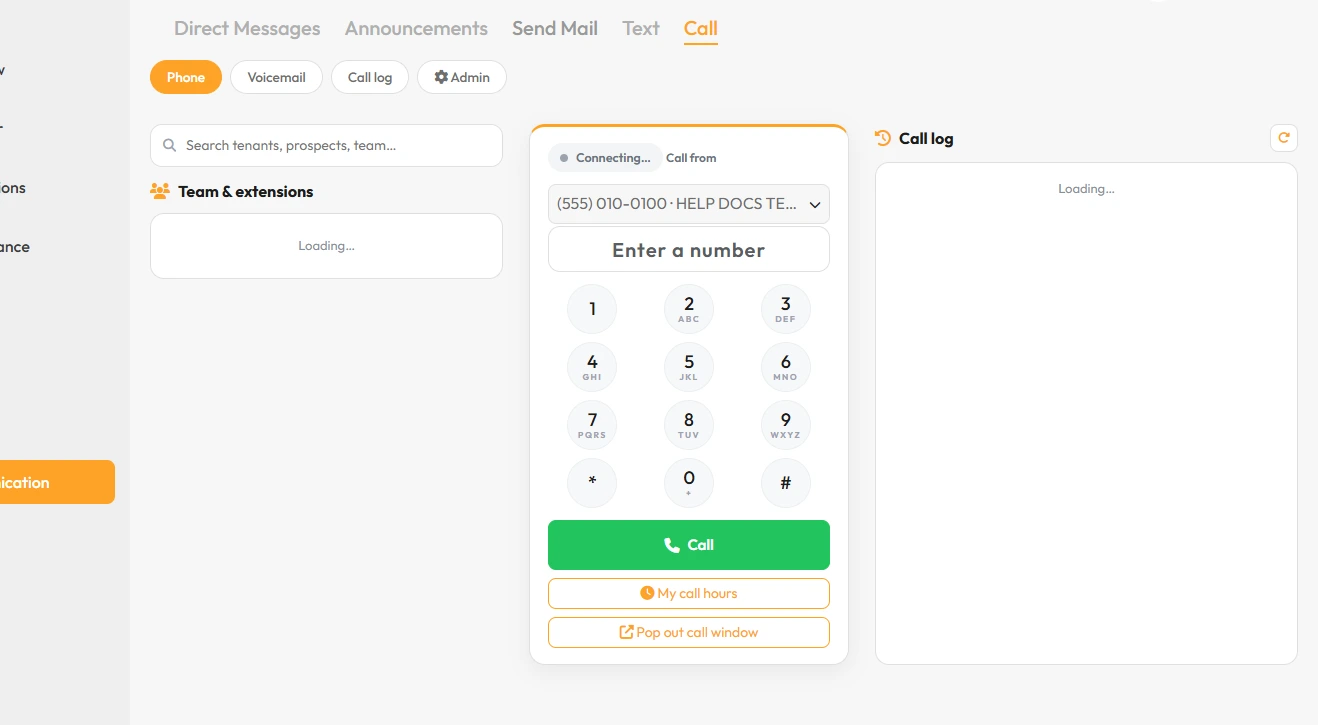
Type the number on the keypad.
3
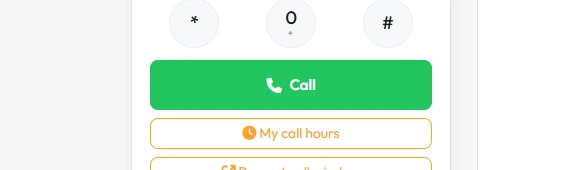
Click the green Call button.
That’s it. You are connected.