Help › Tenants and leases
A tenant did not get their invite
Nearly every missing invite is one of these four, and the first is the most common by a long way.
1
Check the email address for a typo. This is the usual cause. One wrong character and the invite goes nowhere with no error.
2
Ask them to look in spam. Invites are automated email and land there often.
3
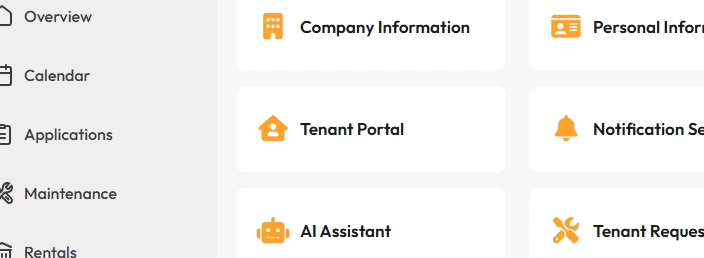
Resend it from Settings → Tenant Portal → Portal Invites.
The first invite goes out when you add the tenant. This is where you send another.
4
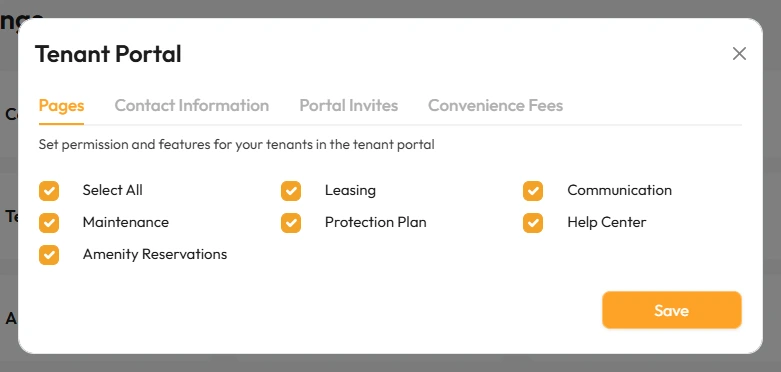
Check the pages they are allowed to see. In Settings → Tenant Portal → Pages, if Leasing is unticked they can log in but cannot pay.
That’s it. If all four are right and they still cannot get in, ask Lotly AI in the portal.