Help › Tenants and leases
Start an eviction case
This is a place to track an eviction and keep the paperwork together. It does not file with a court and it does not tell you whether you have grounds.
1
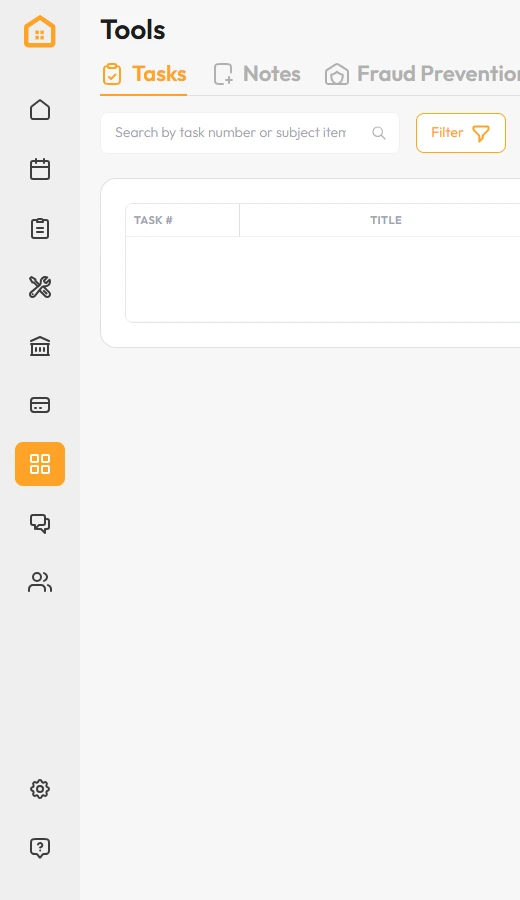
Click Tools in the left menu.
2
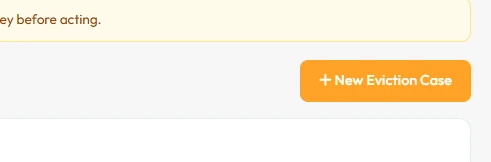
Open the Evictions tab, then click New Eviction Case.
3
Record the tenant, the reason and the dates, and attach every notice you have served.
That’s it. The case and its paperwork are in one place.