Help › Getting started
Set up your company details
These details appear on emails, letters and your tenant portal, so it is worth doing first.
1
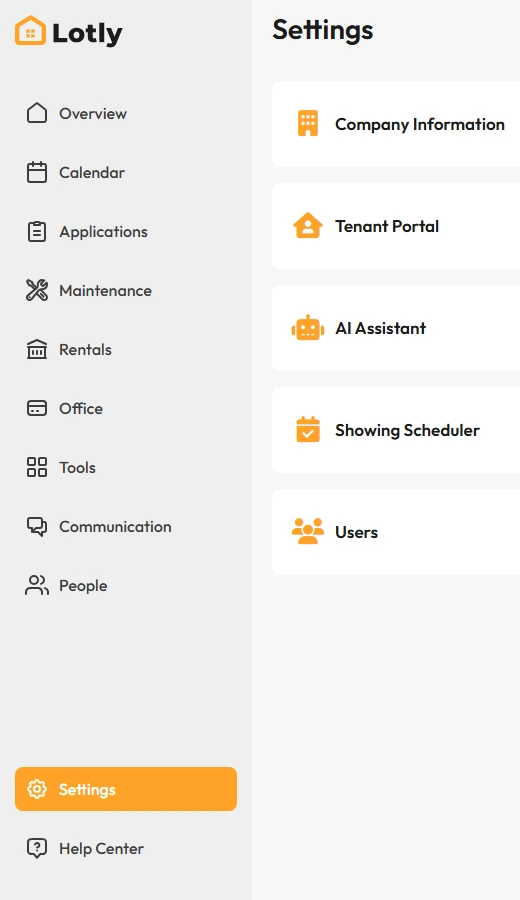
Click Settings in the left menu.
2
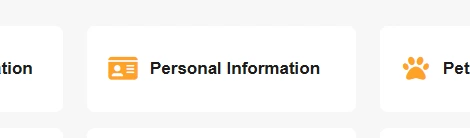
Open Company Information.
3
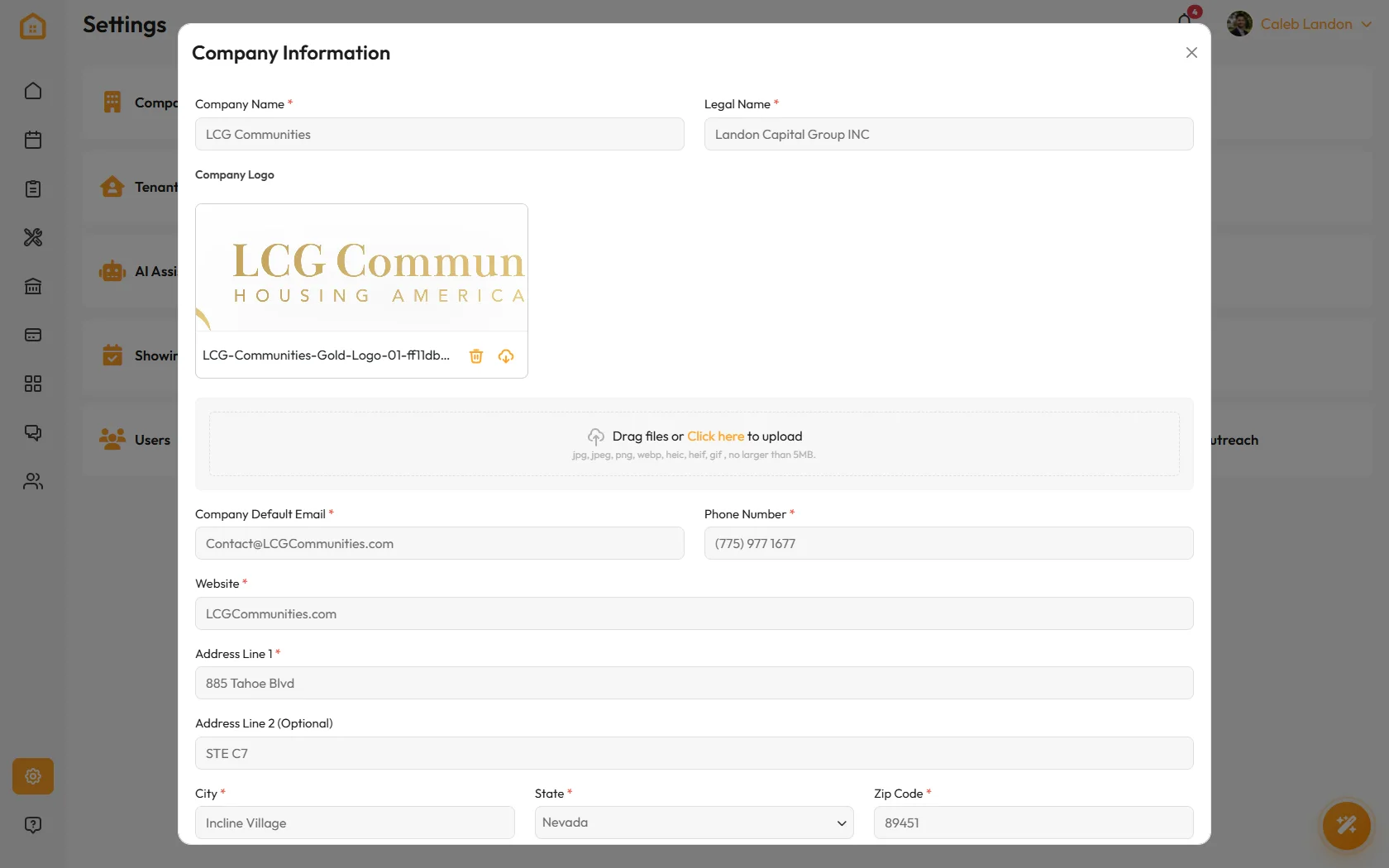
Fill in your legal business name, address and logo, then save.
Use the exact legal name. It is what carriers check when you register for texting, and a mismatch is the usual reason that gets rejected.
That’s it. Everything you send now carries your details.