Help › Phone, text and email
Send a text message
Before you can text, carriers need to approve your business. That is a one-time form.
1
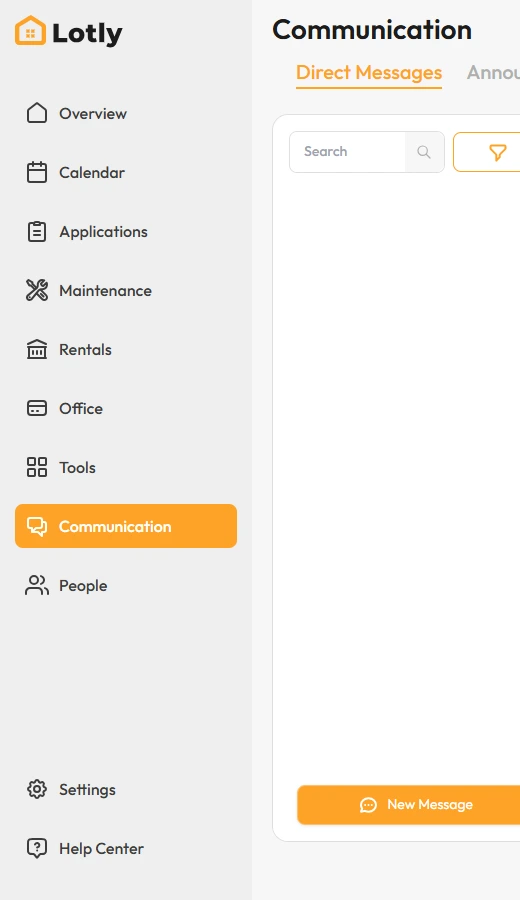
Click Communication in the left menu.
2
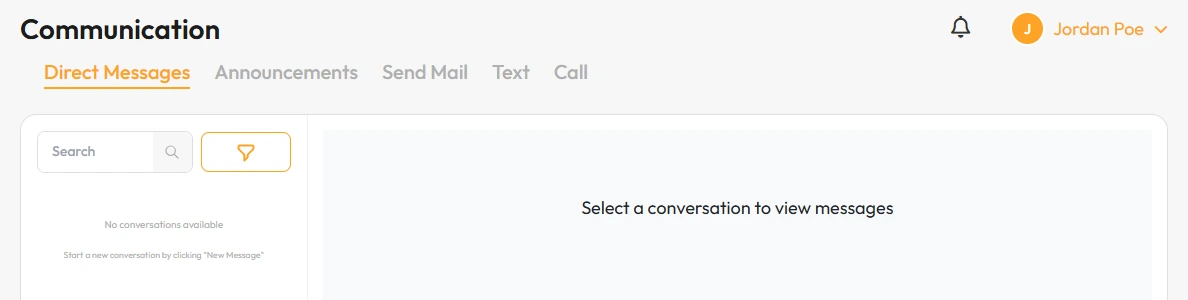
Open the Text tab.
3
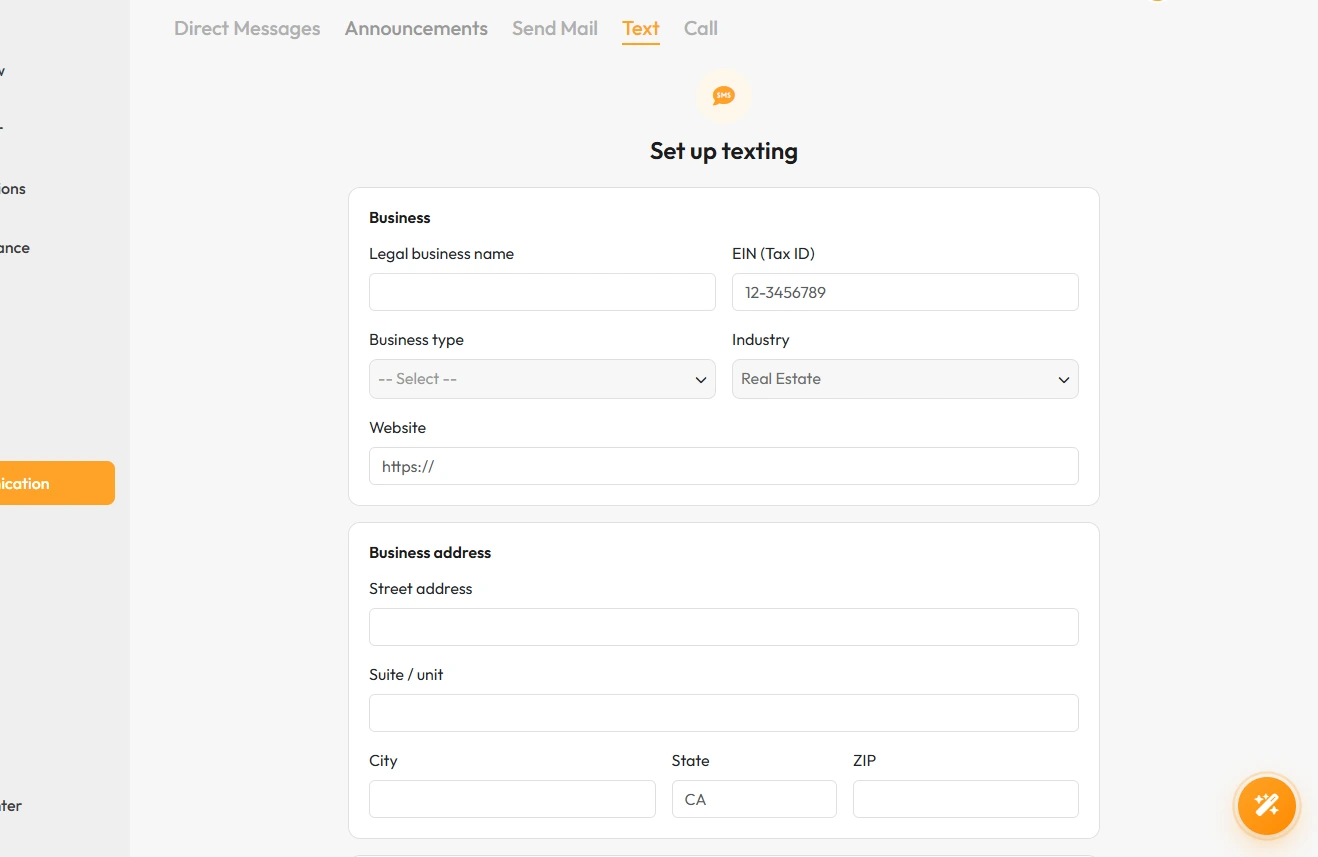
First time only: fill in your business details and click Submit for review.
Approval usually takes a few days. You cannot send texts until it clears.
4
Once approved, click New text, pick who you are texting, and send.
That’s it. Their reply shows up in the same thread.