Help › Phone, text and email
Send an announcement to everyone
Use this for things like water shutoffs or a reminder about parking.
1
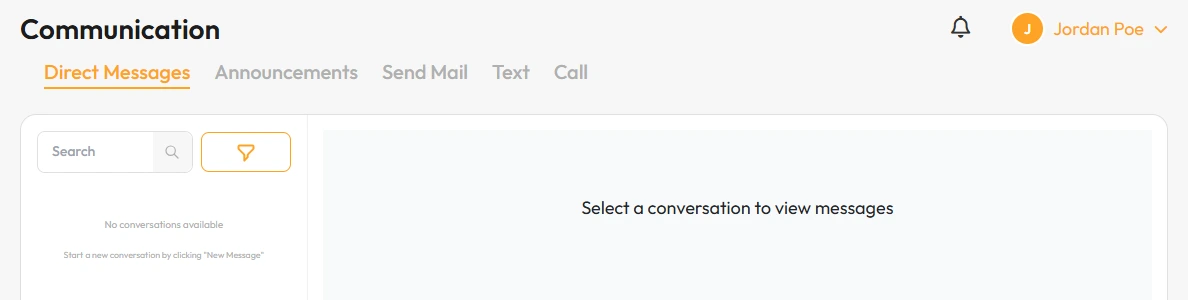
Click Communication, then the Announcements tab.
2
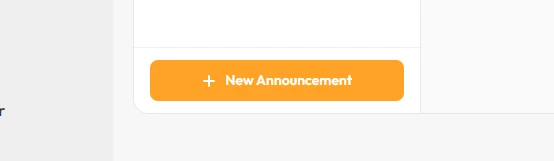
Start a new announcement.
3
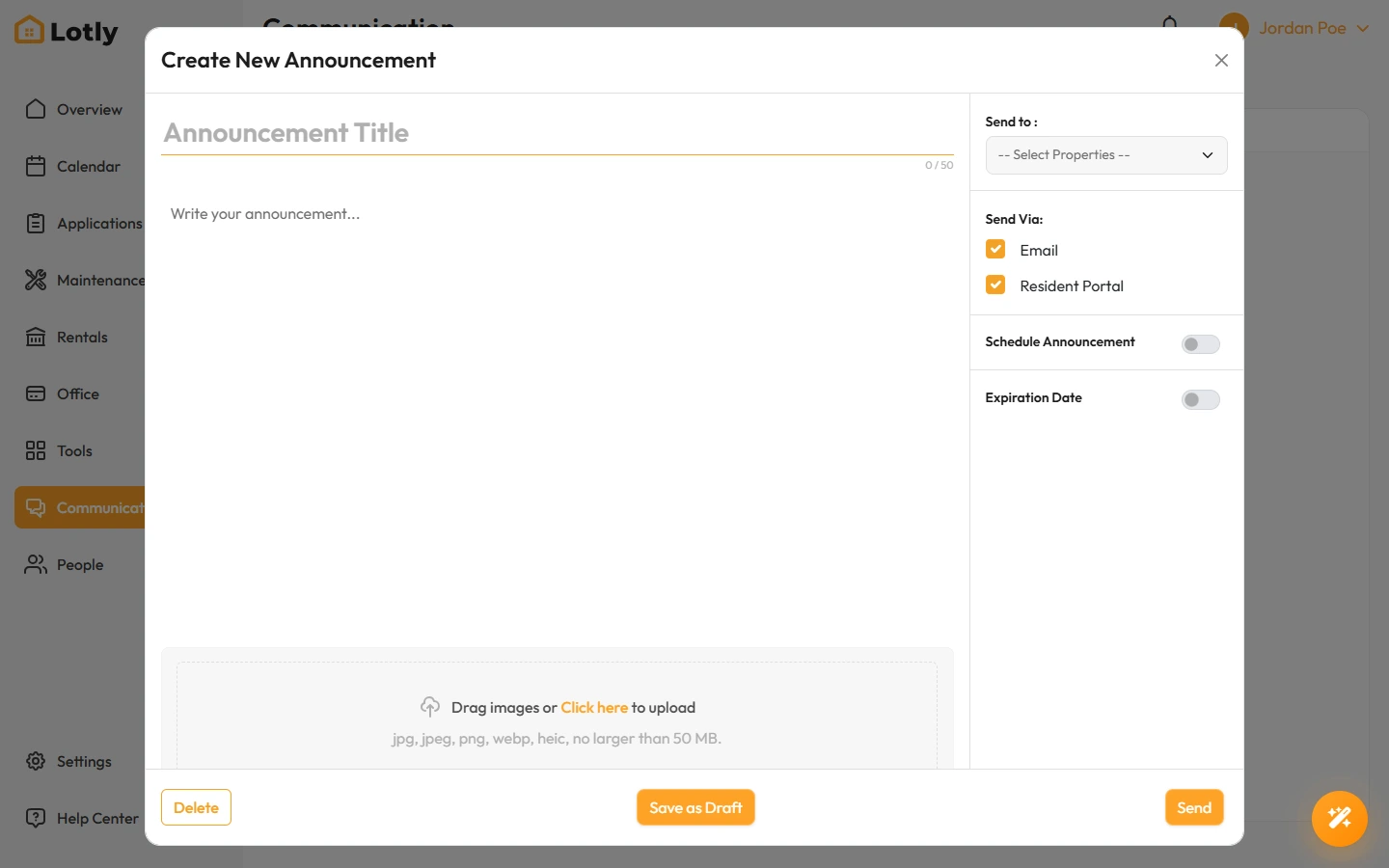
Choose who gets it, write the message, and send.
You can schedule it for later instead of sending now.
That’s it. Everyone you picked gets the message.