Help › Tenants and leases
Schedule a showing
Showings live under Rentals, with their own list and calendar views.
1
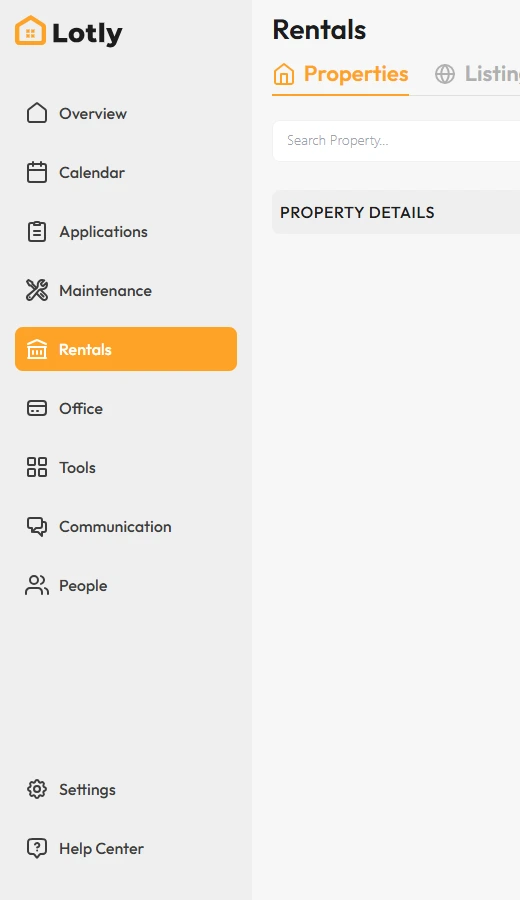
Click Rentals, then open the Showings tab.
2
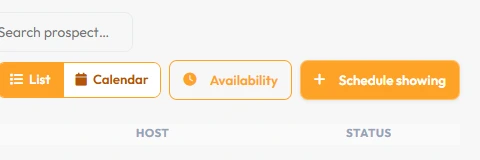
Click Schedule showing and pick the unit, person and time.
Switch between List and Calendar to see them either way, and filter by Upcoming, Past or All.
3
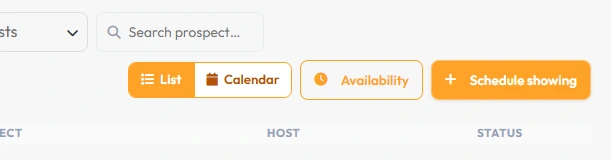
Use Availability to set the hours you are willing to show, so people book only those times.
That’s it. The showing is booked and on your calendar.