Help › Getting started
Put something on the calendar
The calendar is shared with your team, so anything you add here they can see.
1
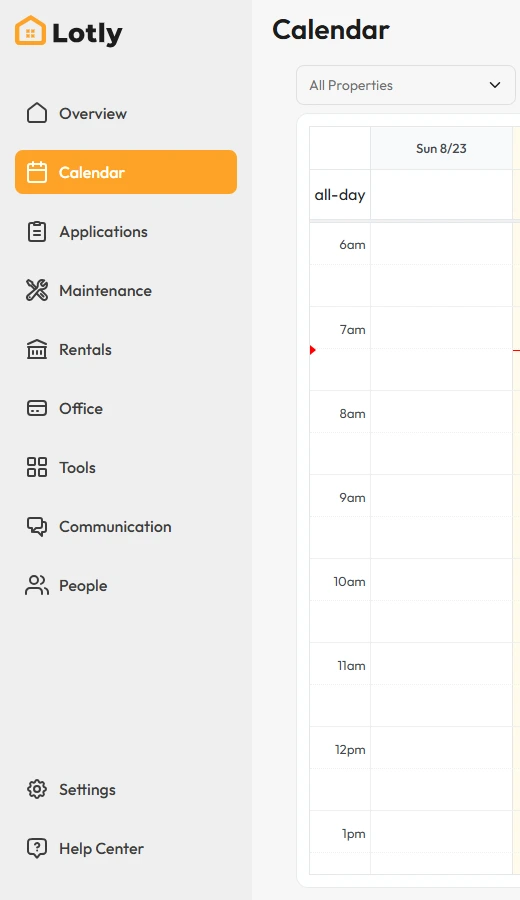
Click Calendar in the left menu.
2
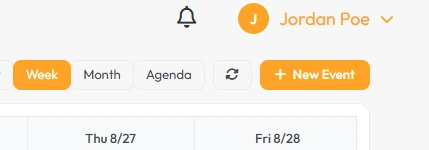
Click New Event.
3
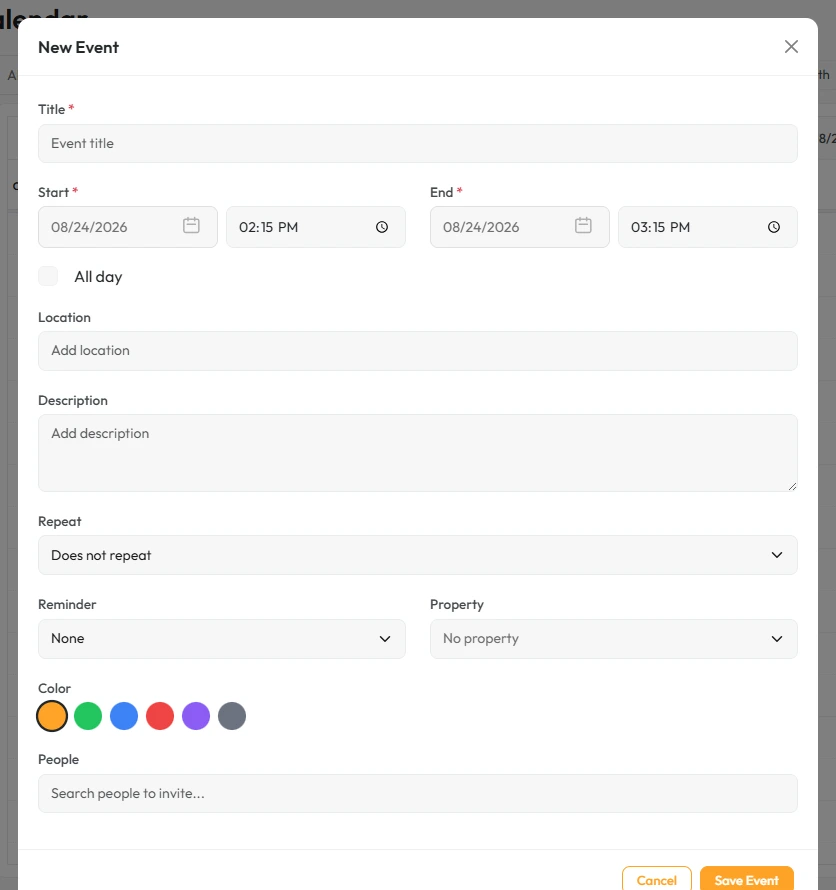
Fill in what it is, when it is, and who it involves.
4
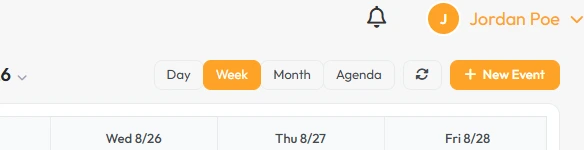
Switch between Day, Week, Month and Agenda to change how you see it.
That’s it. It is on the calendar for you and your team.