Help › Tenants and leases
Advertise a vacancy
Lotly gives you a public listings website. Anything you list shows up there, and you share one link.
1
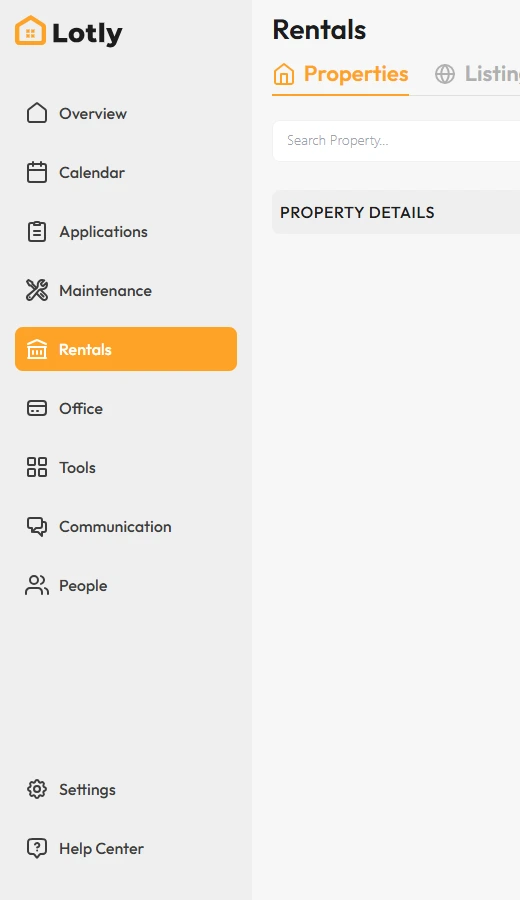
Click Rentals in the left menu.
2
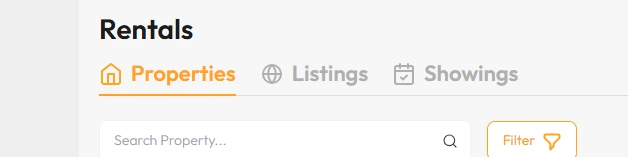
Open the Listings tab.
3
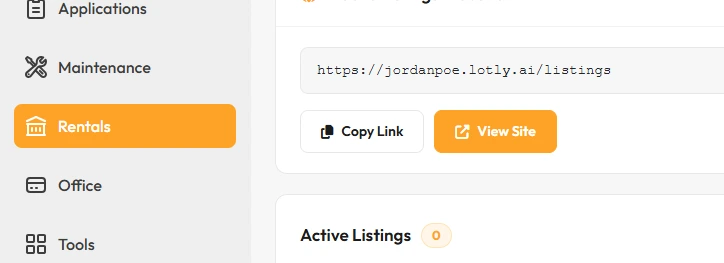
Use Copy Link to get your listings website address, or View Site to see it as a renter would.
Meta Ads on the same tab is for running Facebook and Instagram ads.
That’s it. Your vacancy is live on your listings site and ready to share.