Help › Getting started
Where everything lives
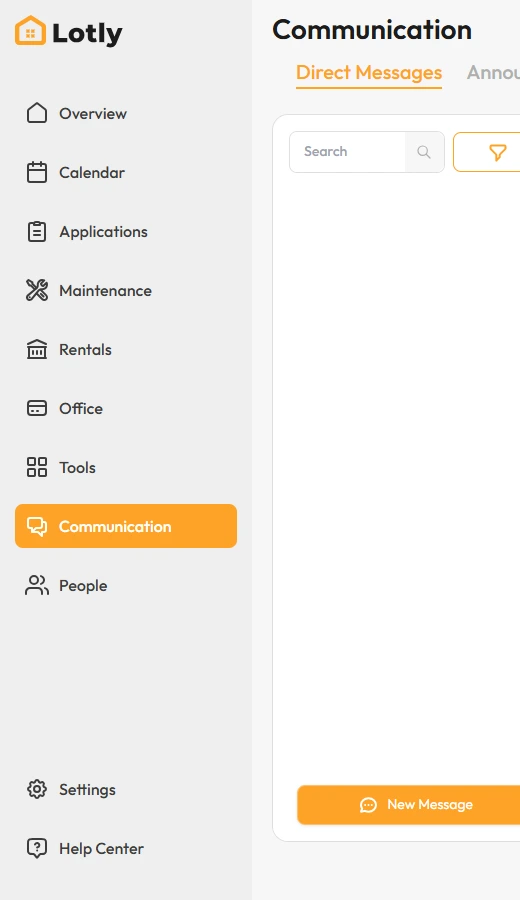
Most "where is it?" questions come down to two menus: Office and Tools. Here is what sits under each item.
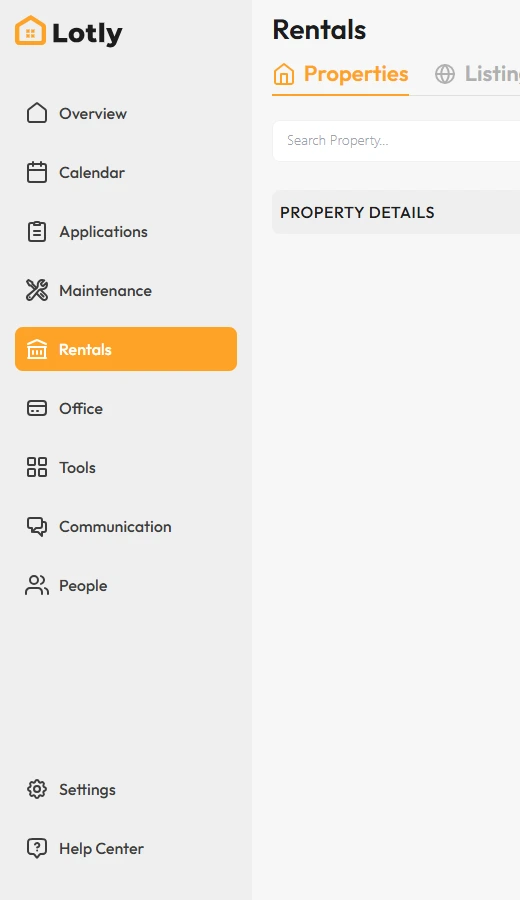
Rentals — your properties, units and leases, plus Listings for advertising and Showings for tours.
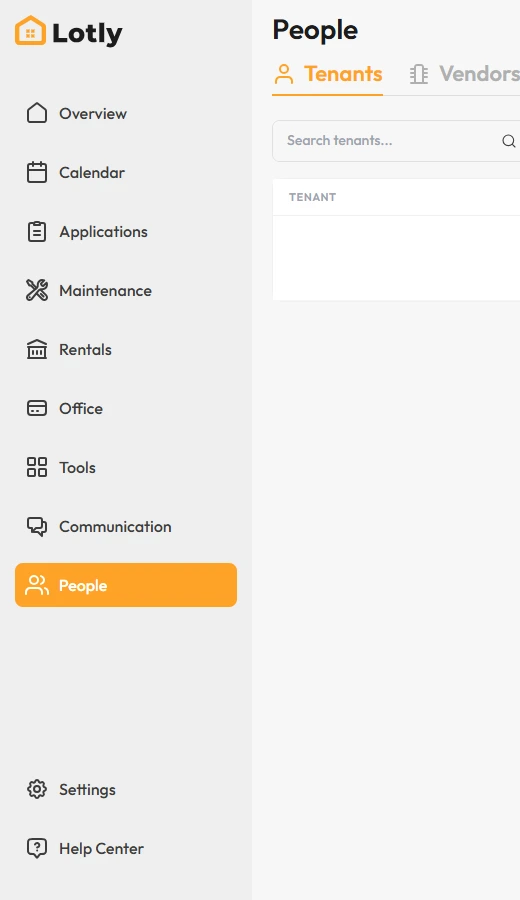
People — Tenants, Vendors, Employees (your team), Prospects (leads) and the Waiting List.
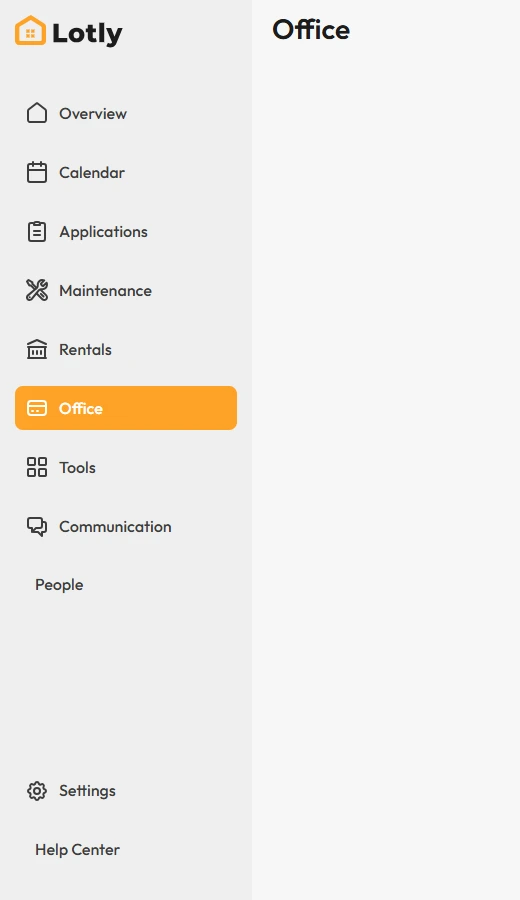
Office — the money side. Accounting has its own side menu: Banking, Transactions, Bills, Checks, Registers, Reconcile, Budget and more. Reports, Files and E-Sign are the other tabs.
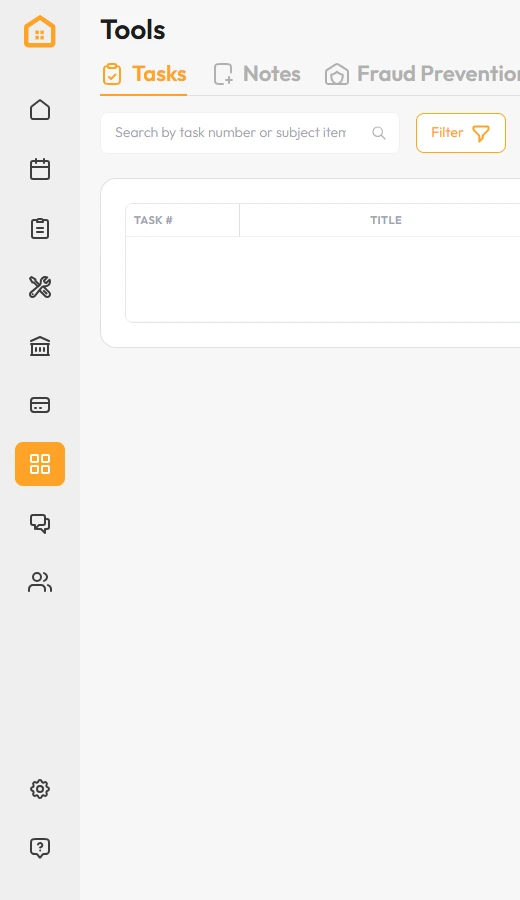
Tools — the rest: Tasks, Notes, Fraud Prevention, Homes, Violations, Rent Increases, Evictions and Lot Inspector.
Communication — Direct Messages, Announcements, Send Mail, Text and Call.
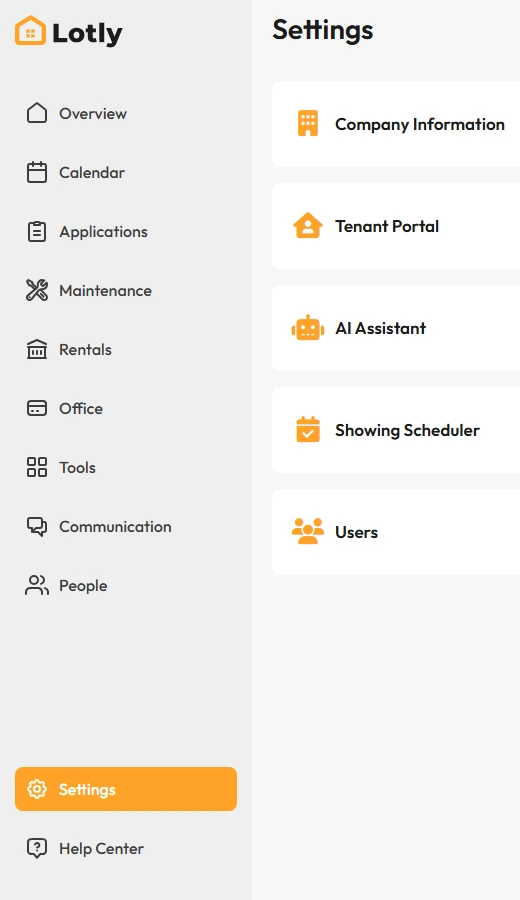
Settings — Company Information, Personal Information, Bank Accounts, Tenant Portal, Notification Settings, Billing and Users.