Help › Tenants and leases
Send a document to be signed
E-Sign lives under Office. Use it for anything you need signed that is not part of a lease.
1
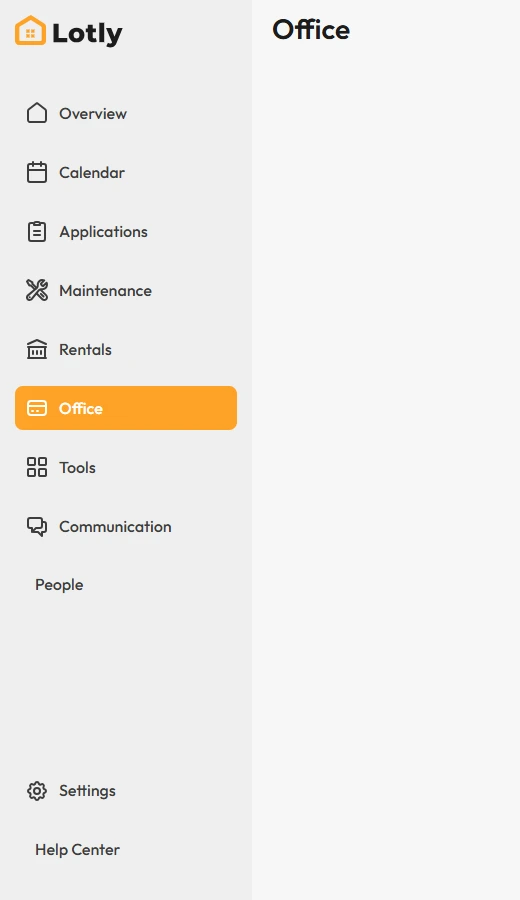
Click Office in the left menu.
2
Open the E-Sign tab, then click E-Sign Request.
3
Upload the document, add who needs to sign, and send it.
That’s it. They get an email with a link to sign. You can track it from the same tab.