Help › Getting started
Choose what you get notified about
Notifications are per person, so changing yours does not change anyone else's.
1
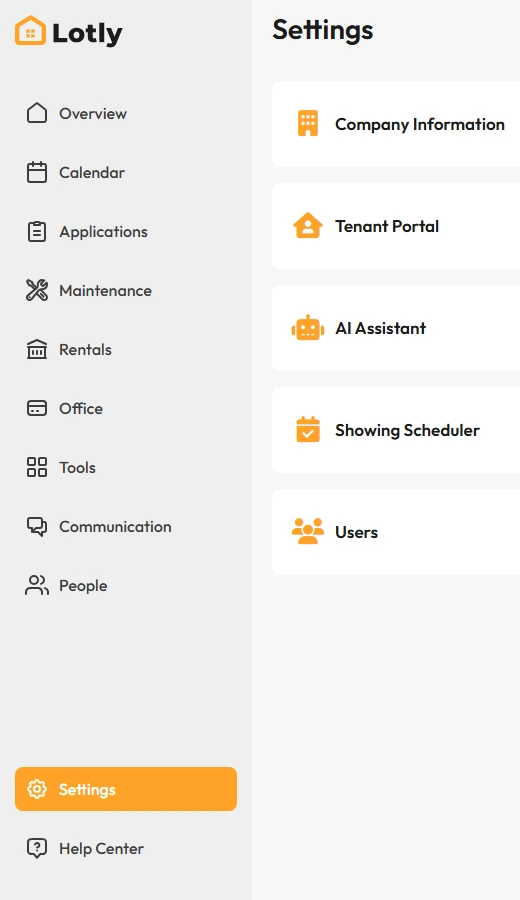
Click Settings in the left menu.
2
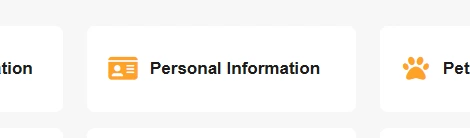
Open Notification Settings.
3
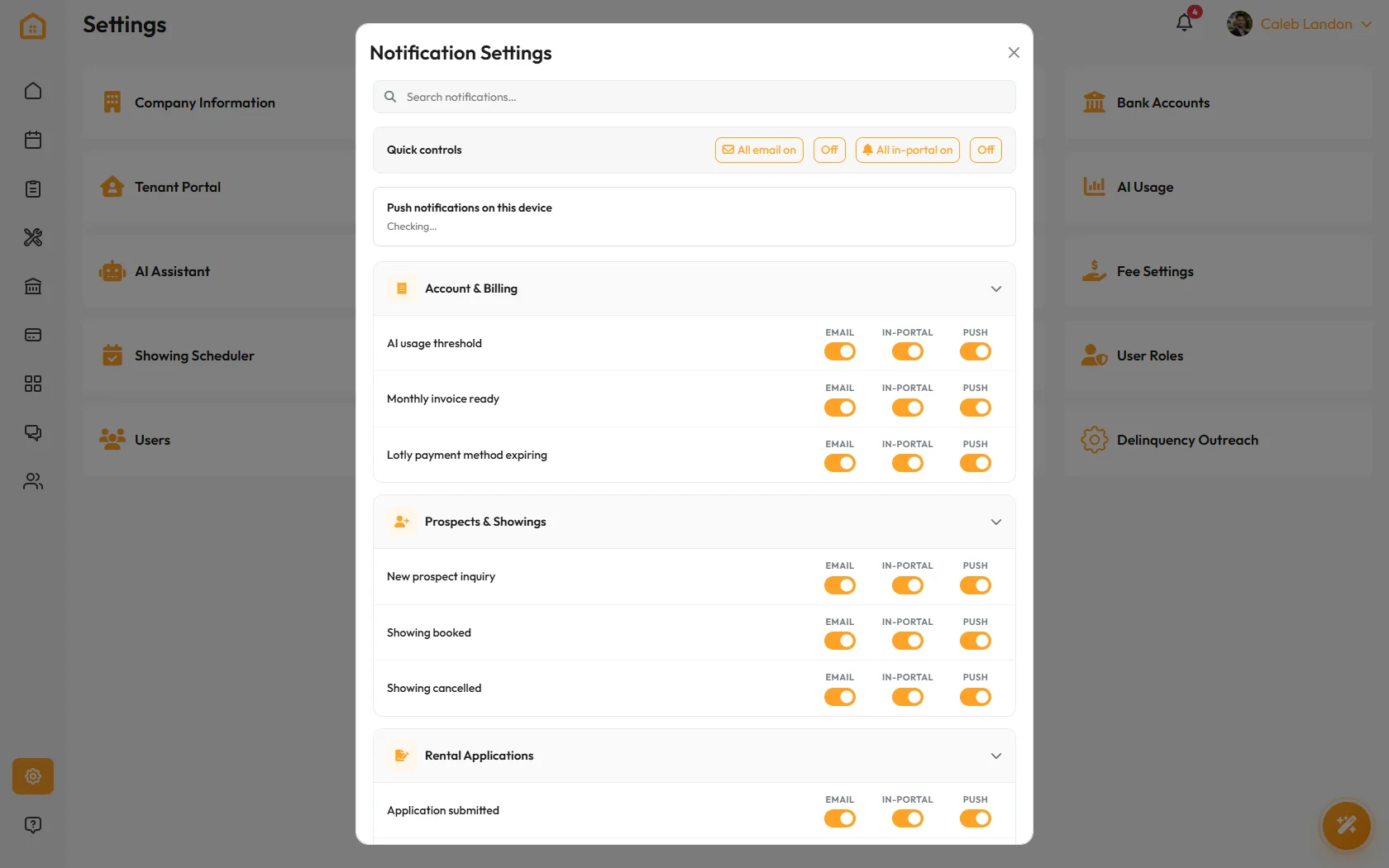
Turn each type on or off and save.
If a teammate is getting too much email, they need to change their own settings. You cannot do it for them.
That’s it. You only hear about what you asked to hear about.