Help › Getting started
Add your first property
A property is the place you manage. Units go inside it.
1
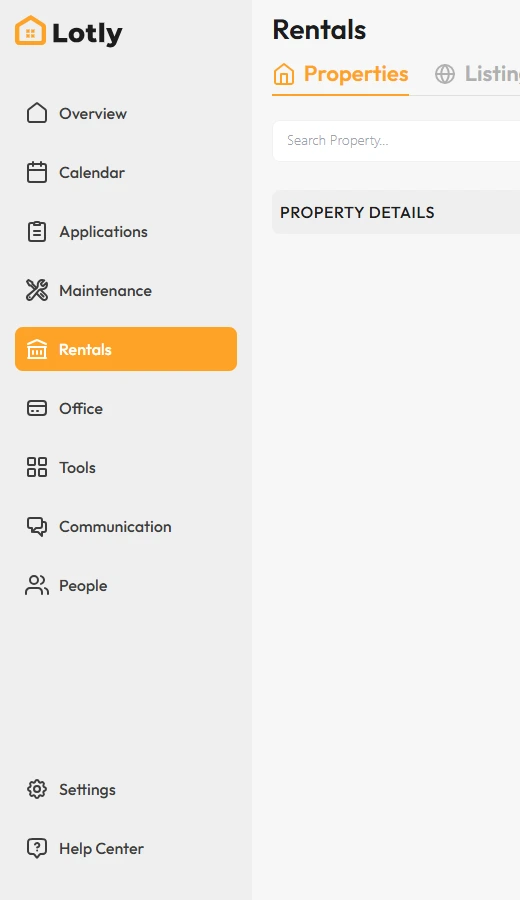
Click Rentals in the left menu.
2
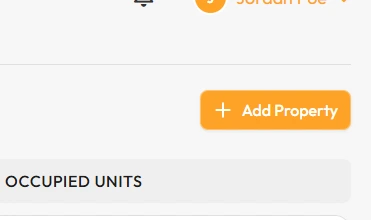
Click Add Property.
3
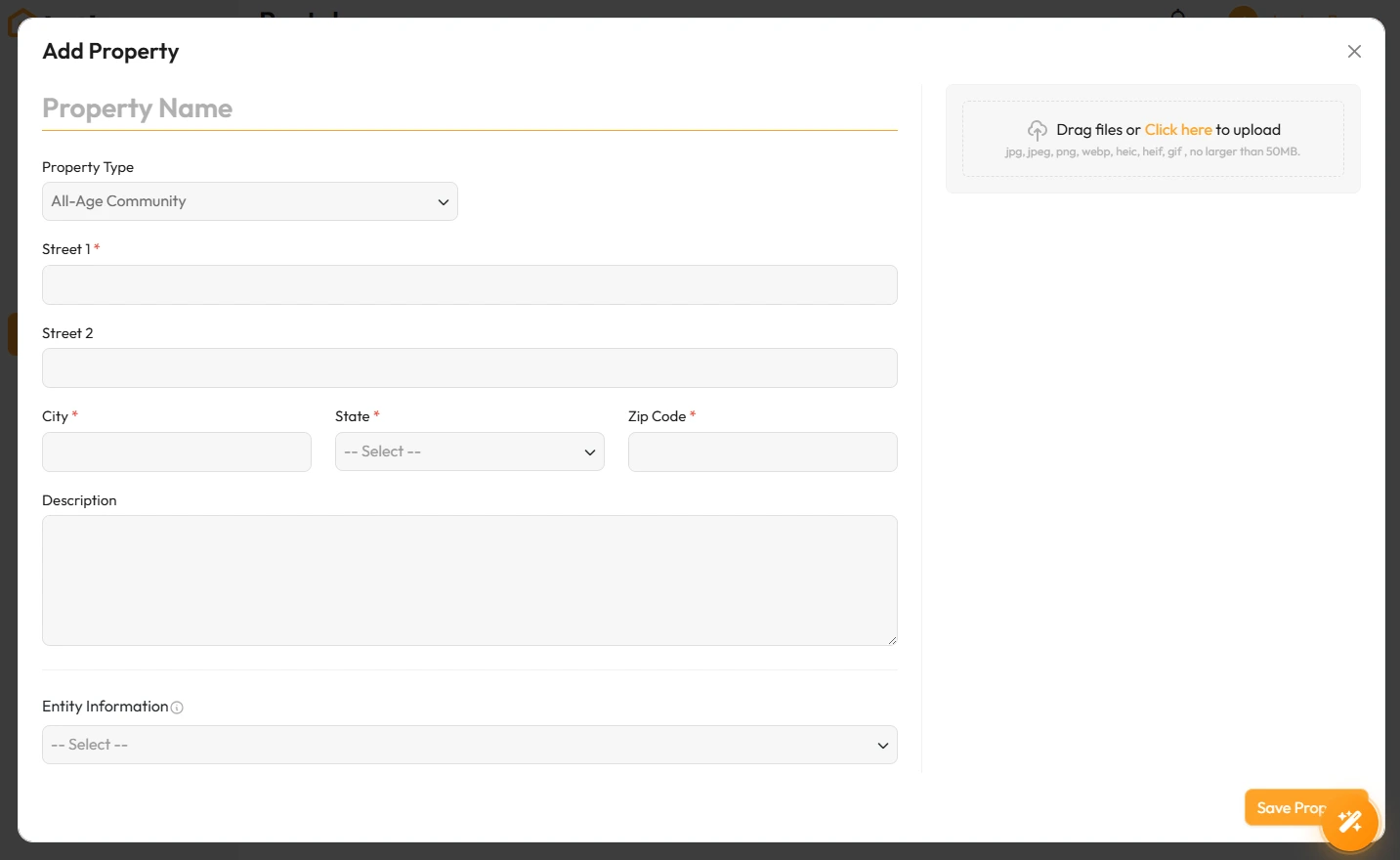
Fill in the name and address, then save.
That’s it. Your property exists. Next, add the units inside it.