Help › Getting started
Write a note about a tenant or property
Notes are for the things that would otherwise live in your head or a text thread.
1
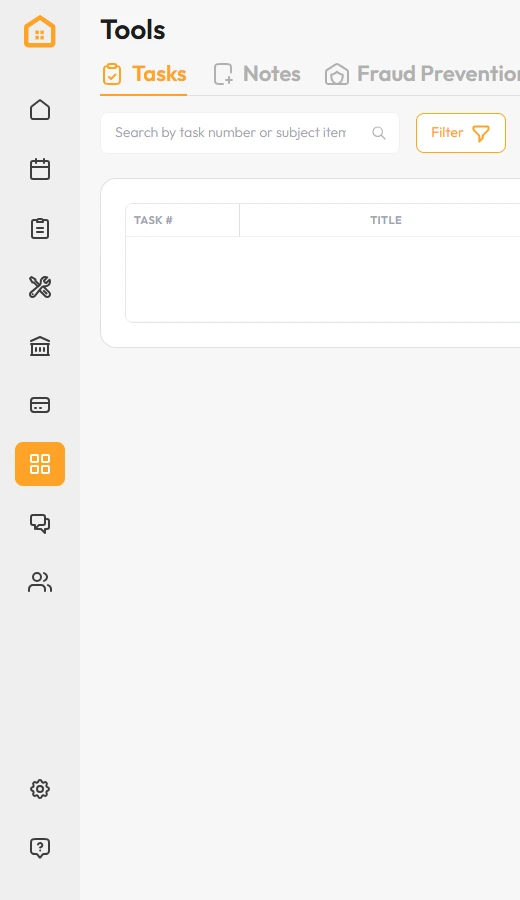
Click Tools in the left menu.
2
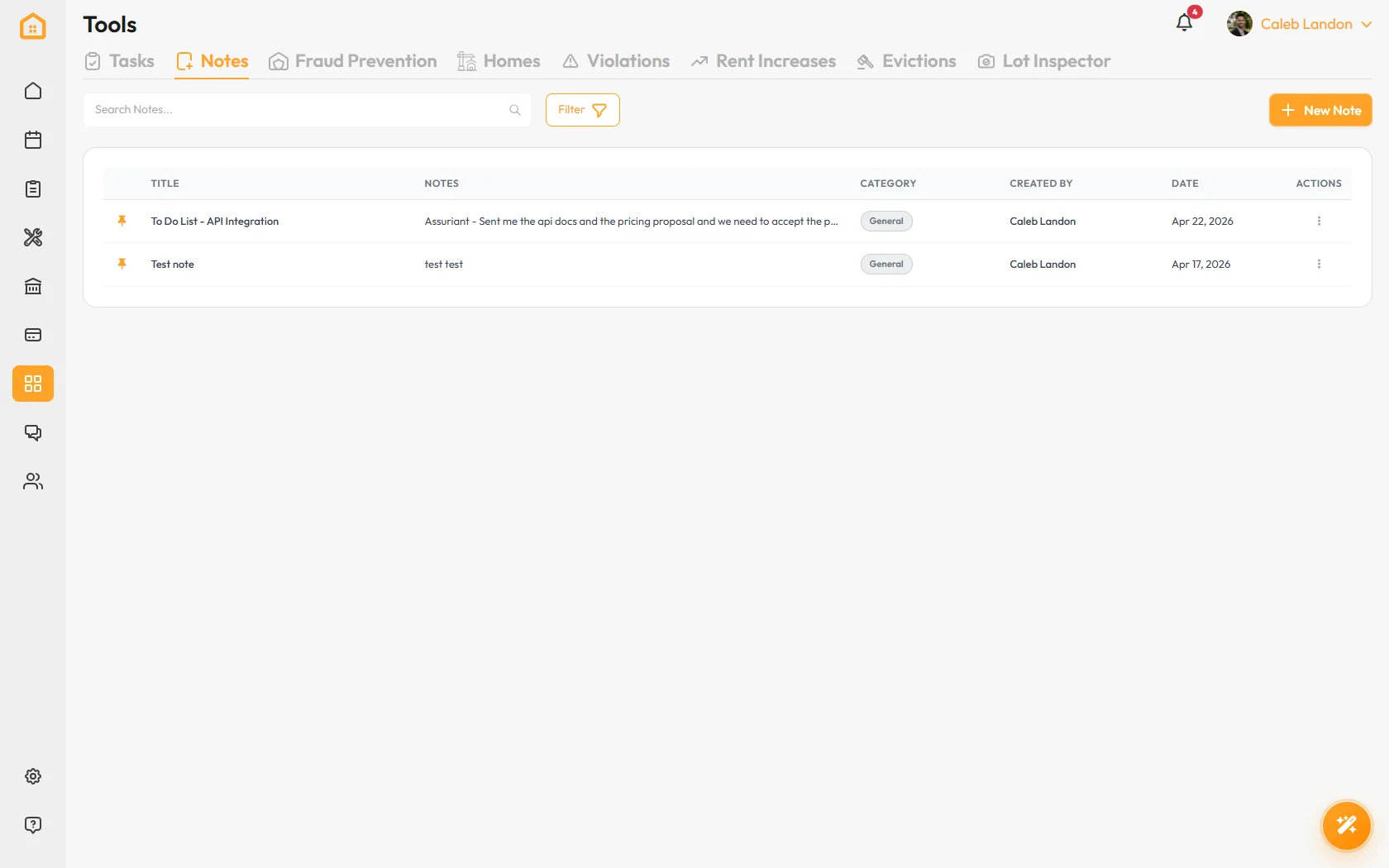
Open the Notes tab and click New Note.
3
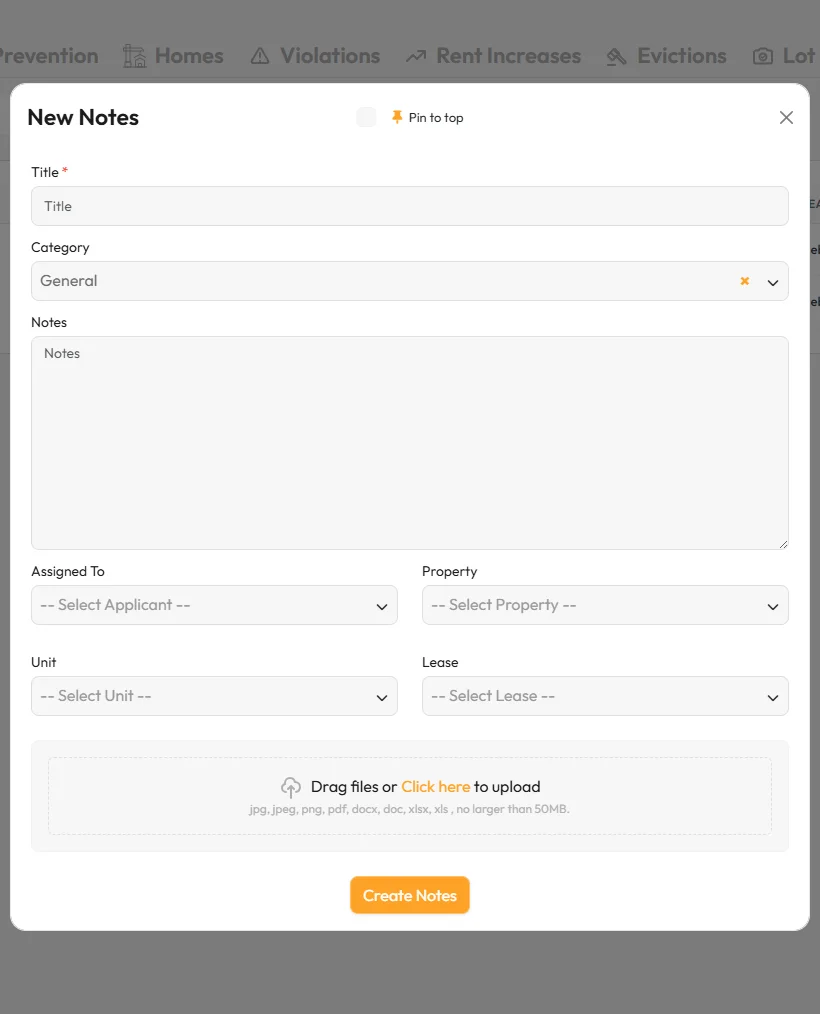
Write what happened and who it was about.
If it is about a rule being broken, use Violations instead. That creates the dated record you would need later.
That’s it. It is written down, dated, and your team can see it.