Help › Getting started
Upload and share a file
Files is shared storage for your company. The button on the right shows how much you have used.
1
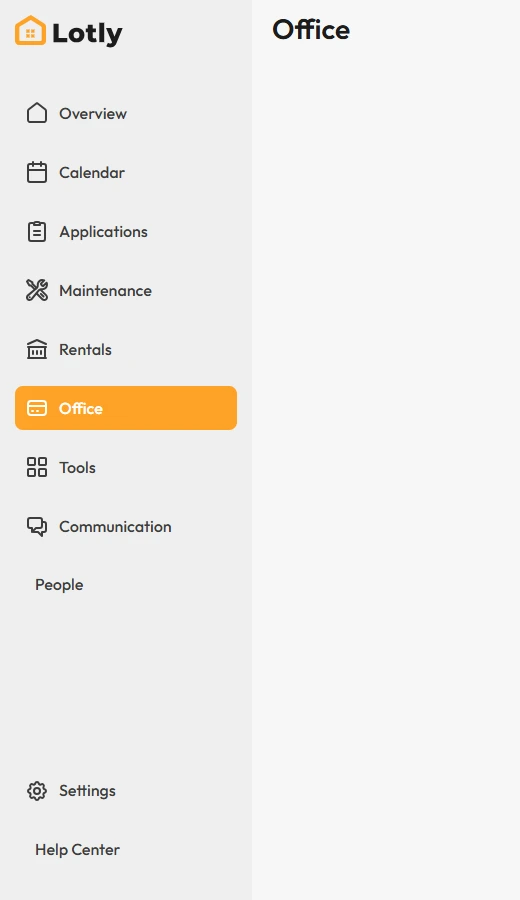
Click Office in the left menu, then the Files tab.
2
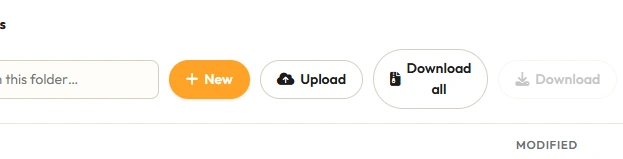
Click Upload and pick your file.
3

Use Shared with me to see files other people sent you.
That’s it. The file is stored and can be shared with your team.