Help › Maintenance
Add a vendor
Vendors are the contractors you send work to. Adding them lets you assign maintenance requests.
1
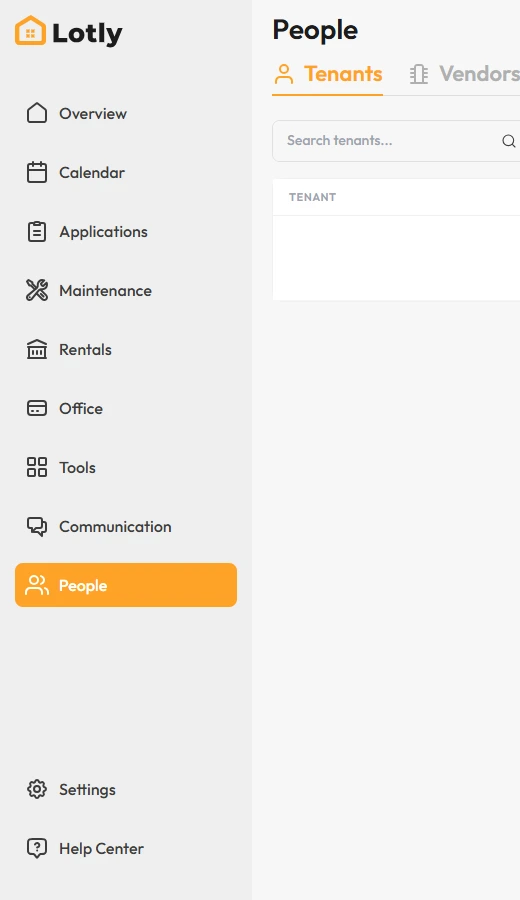
Click People, then open the Vendors tab.
2
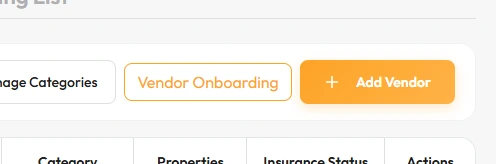
Click Add Vendor and fill in their details.
Manage Categories lets you group them, so plumbing work goes to plumbers.
3
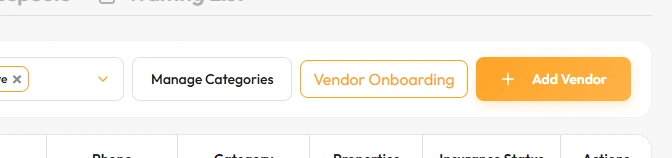
Use Vendor Onboarding to collect their insurance and paperwork before you use them.
That’s it. You can now assign maintenance requests to this vendor.